18 Creative How-To Video Ideas & Crafting Your Own
Find proven topics and turn audience questions into clear, engaging tutorials.


How-to videos pay off for content creators looking to succeed. They allow you to flaunt your skills and connect with viewers in an authentic way. Whether you’re a pro or just starting out, nailing these videos can seriously amplify your reach and engagement.
First, pinpoint your niche and highlight your unique talents. Next, master the art of storytelling and video production to pull viewers in. With the right strategy, you can craft how-to videos that resonate big time.
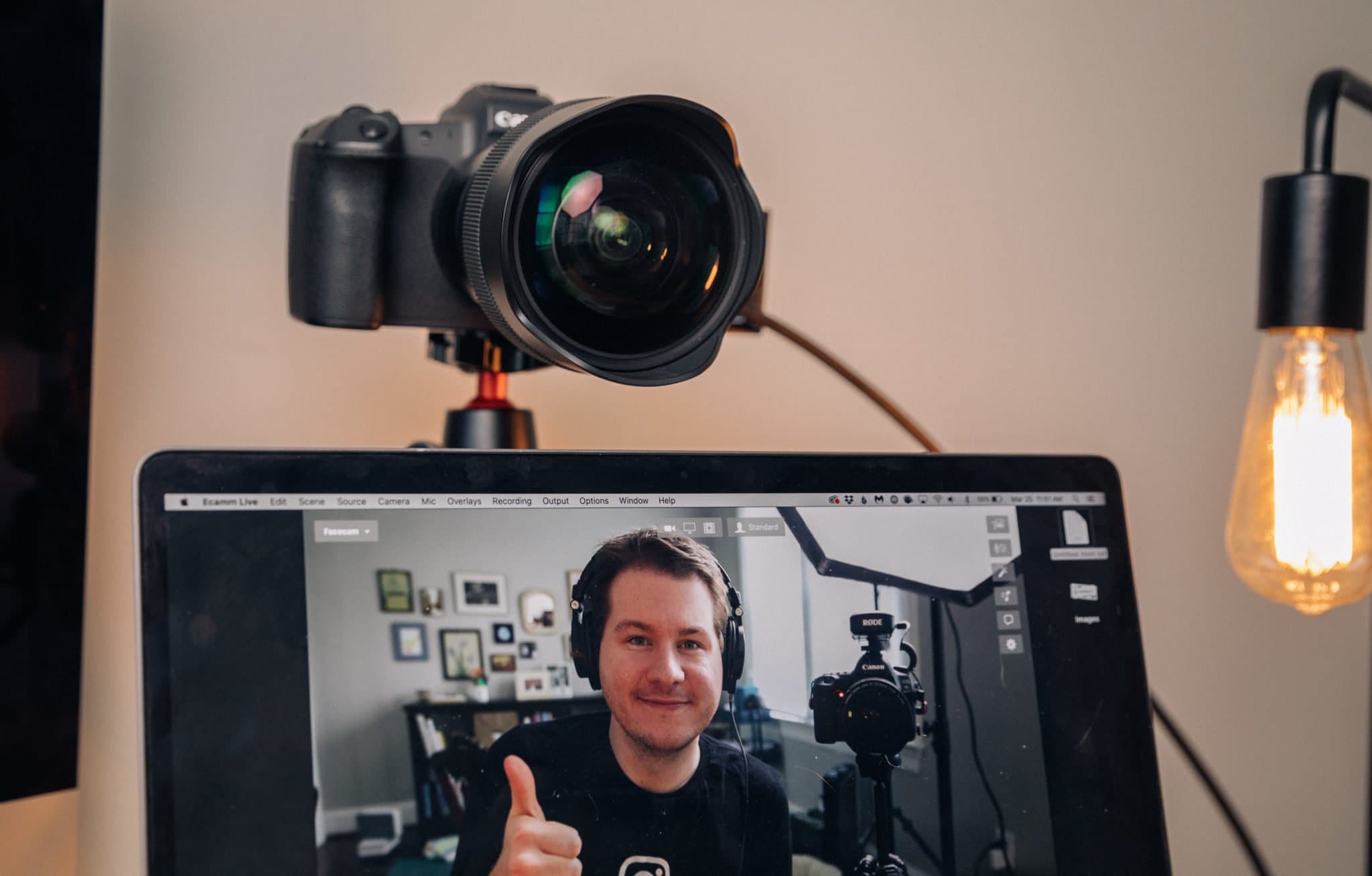
This guide breaks down the key ingredients for killer how-to content. We’ll explore practical tips to inspire your video creation journey.
Below are how-to video ideas you can use to start wowing your audience. It’s time to showcase your expertise and take your online presence to new heights!
Creating Killer How-To Videos: Tips from the Pros
Creating compelling how-to videos takes skill and strategy. Follow these pro tips to tap into your unique expertise, resonate with your audience, align with your brand’s essence, and match production to your abilities. With the right approach, you can craft videos that educate, entertain and inspire.
Start with the four tips below.
Share Your Unique Know-How
Tap into your special skills and expertise to create how-to videos that no one else can. Showcase your insider knowledge to teach viewers something new and valuable. Let your strengths shine through in purposeful videos.
Get Inside Your Audience’s Head
Truly understand who your viewers are and what they need to learn from you. Consider their pain points and how your video content can solve real problems for them. Craft impactful videos by keeping your audience top of mind.
Your greatest secret weapon as a creator, is cultivating a deep understanding of who your audience is, and really putting yourself in the shoes of real people your content is designed to help. What are their biggest challenges? How do those problems feel to them? How can you intentionally design your how-to video content to teach them on the level they’re at today? Really feel your way into answering these questions when you sit down to outline your next video. See how your creative process unfolds when your focus is on imagining that you’re teaching directly to a real person sitting across from you.
Ryan Robinson
Align with Your Brand
If you’re creating videos for a brand you can integrate your how-to videos into your broader brand strategy. Show how your content highlights or complements your products, services or mission. Boost brand awareness by creating videos that emanate your core values.
Match Production to Your Skills
Be honest about your video production abilities. Use tools and techniques that play to your strengths for consistent quality. Whether you’re an editing pro or prefer simple videos, your comfort level comes through. Stick to what works until you’re ready to level up. Remember it’s better to create and release videos then to wait until they are “perfect.”
Generating Engaging How-To Video Ideas: 5 Methods
Finding inspiration for how-to video content doesn’t have to be daunting. Explore these strategies to ignite your creativity!
Use AI Tools

AI assistants (like ChatGPT) can offer diverse how-to video ideas by scanning vast amounts of data in your niche. The YouTube video idea generator on RightBlogger is the perfect tool to brainstorm how-to video ideas. This is as simple as entering “How-To” then your niche in the topic field.
Research

Turn to search engines or tools like RightBlogger’s People Also Ask or Answer the Public to see what people are searching. Browsing through social media can also unveil what people are curious about within your niche. This broad research can spark new ideas or highlight content gaps.
Ask your Audience
Your audience can be a great source of ideas if you already have one. Use polls, surveys, and social media questions to gather their thoughts. This way, your content comes from direct feedback, so your videos answer what viewers really want. Tools like Instagram’s “ask me anything” stickers make it simple.
Study Competitors
Watching competitor’s YouTube channels is a great way to see what is trending in your space. This can reveal gaps or trends you haven’t covered. While you still need to stay original, competitor analysis can guide you toward high-quality content creation.
Solve Common Questions
Addressing frequent questions or issues related to your niche is another excellent content source. This strategy ensures your videos provide value by directly solving your audience’s problems.
18 How-To Video Ideas to Kickstart Your Creativity
Looking for fresh how-to video ideas to captivate your audience? This list of 18 creative suggestions covers a wide range of topics to spark your imagination. From DIY projects to tech tutorials, life hacks to travel guides, dive into these ideas to kickstart your next viral video.
- DIY Projects: Share unique do-it-yourself home or hobby projects.
- Tech Tutorials: Offer step-by-step guides on using apps, gadgets, or software.
- Life Hacks: Present everyday hacks that simplify life.
- Educational Explainers: Create explainer videos that break down complex topics simply.
- Gaming Guides: Produce walkthroughs or tips for the latest video games.
- Vlog Adventures: Document a “day in the life” or behind-the-scenes look at interesting jobs or hobbies.
- Cooking Recipes: Show viewers step-by-step cooking or baking recipes.
- Fitness Routines: Share workout guides or health tips.
- Music Lessons: Offer tutorials for playing instruments or writing songs.
- Fashion Tips: Create videos on styling, wardrobe hacks, or makeup tutorials.
- Art Tutorials: Guide viewers through drawing, painting, or crafting projects.
- Product Reviews: Provide in-depth reviews on the latest gadgets or products.
- Unboxing Videos: Capture the excitement of unboxing new products.
- Pet Care: Share tips on caring for pets or training tricks.
- Travel Guides: Offer insights on destinations, packing tips, or travel hacks.
- Language Lessons: Create beginner-friendly language learning videos.
- Comedy Skits: Produce short, humorous skits or parody videos.
- Science Experiments: Demonstrate fun, educational science experiments.
Frequently Asked Questions About How-To Video Ideas
How do you create a how-to video?
Recording a how-to video can be as simple as recording your screen and explaining how to do something you know. Of course you can film yourself with your webcam or iPhone, then focus on improving your audio, editing, and increasing the production value of your videos. Live streams are also a great way to interact with an existing audience while providing value to reader’s questions. But if you haven’t started at all getting your first YouTube video up should be your first priority, remember to start small. Our Video Script Generator can help you plan your talking points before you hit record.
Where do the best video ideas come from?
Great ideas can come from anywhere – industry trends, audience feedback, competitor content, or your own creative brainstorming. Stay open and observant of what is trending in your niche.
What types of videos attract the most views?
How-to videos, tutorials, and DIY guides tend to crush it on YouTube. They deliver real value to viewers looking to learn. The key is crafting content that’s concise and compelling. A solid thumbnail and title reel viewers in. Then clearly demonstrate each step so they stick around. Satisfy the algorithm with focused videos that engage, educate and entertain. Keep it simple, useful and shareable. That’s the formula for how-to content that takes off.
How do you create a compelling video idea?
Focus on what your audience is looking for and how your content can answer their question while also connecting with them. A video that addresses these elements is bound to succeed.
How long should a how-to video be?
Most how-to videos perform best when they are between 6 and 12 minutes. That’s long enough to explain each step clearly but short enough to hold attention. Focus on being concise, removing filler, and keeping the pace engaging.
What makes a how-to video stand out?
Clarity, structure, and originality. Viewers prefer videos that explain each step in order, use clear visuals, and offer unique insights. Adding timestamps, captions, or a quick summary also makes your video easier to follow and more shareable.
Conclusion
Nail those how-to videos and seriously step up your content game. Hook viewers with your unique spin on a topic they want to learn.
Keep it real and on-brand so your essence shines through. Master the production skills to make polished videos that pop. Provide real value by researching what people need help with, tapping into AI, analyzing competitors, and talking with your community. Brainstorm fresh ideas that grab attention. Stay on top of trends but always listen to your audience – that’s the sweet spot for videos that hit home and get shared. Whether you’re dishing out life hacks, DIY demos, or tech tutorials, lean into your expertise.
How-to videos can take your online presence to the next level. Keep experimenting and refining your strategy.
You’ve got this!
It’s time to create content that educates, inspires, and wins over viewers.

Article by
RightBlogger Co-Founder, Andy Feliciotti builds websites and shares photography and travel adventures on YouTube and his travel blog.

Automated SEO Blog Posts That Work
Try RightBlogger for free, we know you'll love it.





Leave a comment
You must be logged in to comment.
Loading comments...