How to Use Quizzes and AI to Grow Your Audience with Interact
Turn your audience’s top question into a five-to-ten-question quiz that segments every lead.

Grow your audience with quizzes + AI, using the OG in quiz making software, Interact. In the live sesh Ryan and Josh hosted recently, they talk about how to create engaging quiz funnels that attract leads, drive sign-ups, and build your email list.
You can watch their hands-on conversation right here:

Today, we’re cracking open the topic of combining quizzes and AI to help you grow your audience. Ryan brought on Josh Haynam from Interact, the quiz-making software that’s been a powerful tool for businesses looking to attract leads, drive sign-ups, and build newsletters. (Quizzes are one of the most effective AI-powered lead magnets you can create.). With years of expertise, Josh and his team have mastered the art of building quizzes that truly engage users.
What is Interact?
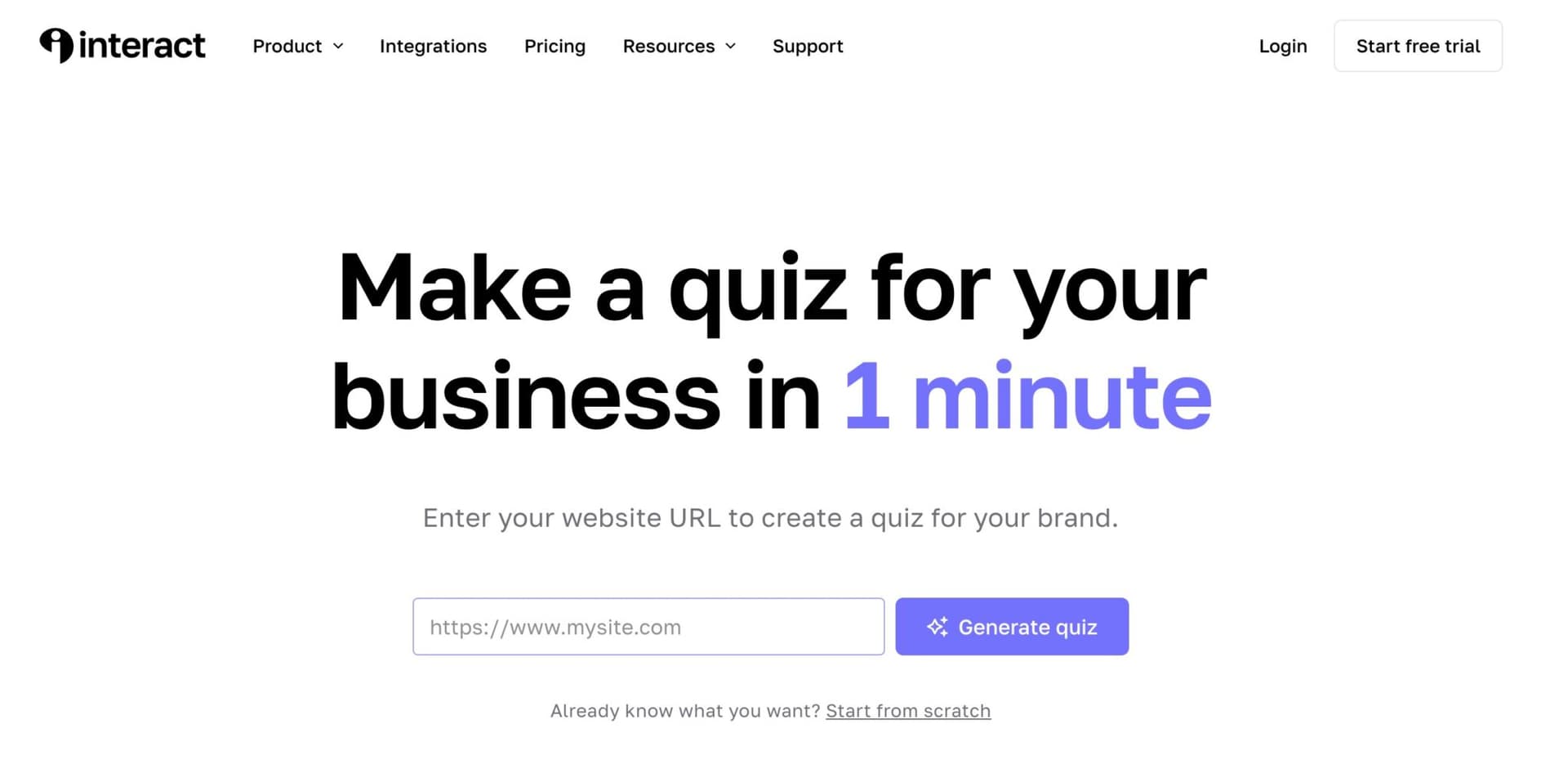
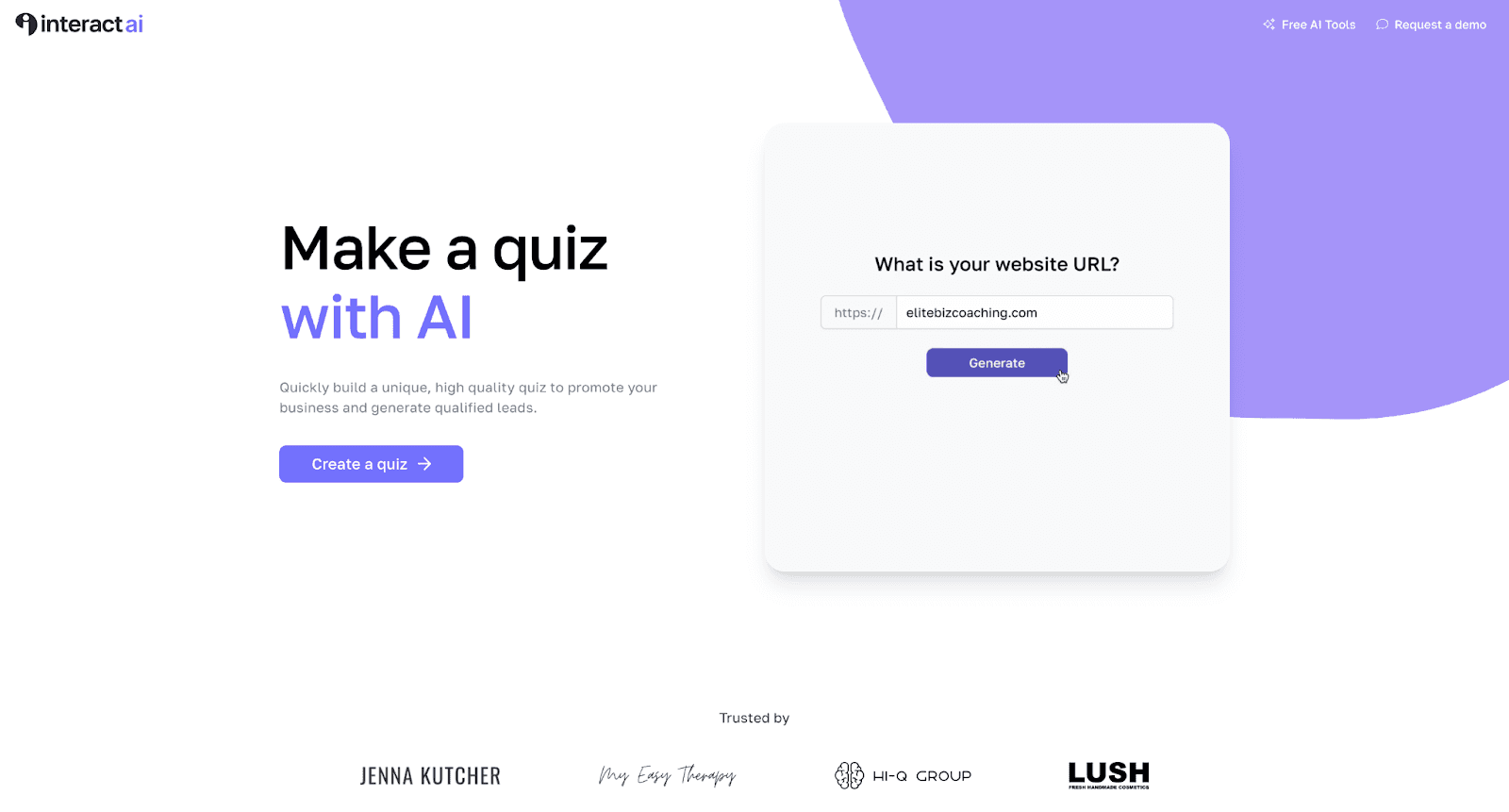
Interact is a powerful quiz-making software that recently introduced an AI-assisted feature. The new AI quiz maker allows you to input your website URL, and it creates a customized, optimized quiz for your site.
It’s a super straightforward way to build your email list, attract leads, and drive sign-ups in a way that’s genuinely engaging for your audience.
Key Features of Interact
- AI-Assisted Quiz Making: Just input your website URL, and the AI scans your site to create an optimized quiz.
- Ease of Use: The quizzes are easy to connect to your email list and embed into your website.
- Customization: You can tailor quizzes to your specific needs, whether it’s driving sign-ups or building your newsletter.
Interactive content, like quizzes, offers a more personalized way to engage with your audience. It feels like a one-on-one interaction, which is rare online. By asking users relevant questions and providing personalized results, you’re building a deeper connection with them.
3 Benefits of Using Quizzes
Quizzes are powerful tools for growing your audience and here’s why:
1. Driving Sign-Ups and Engagement
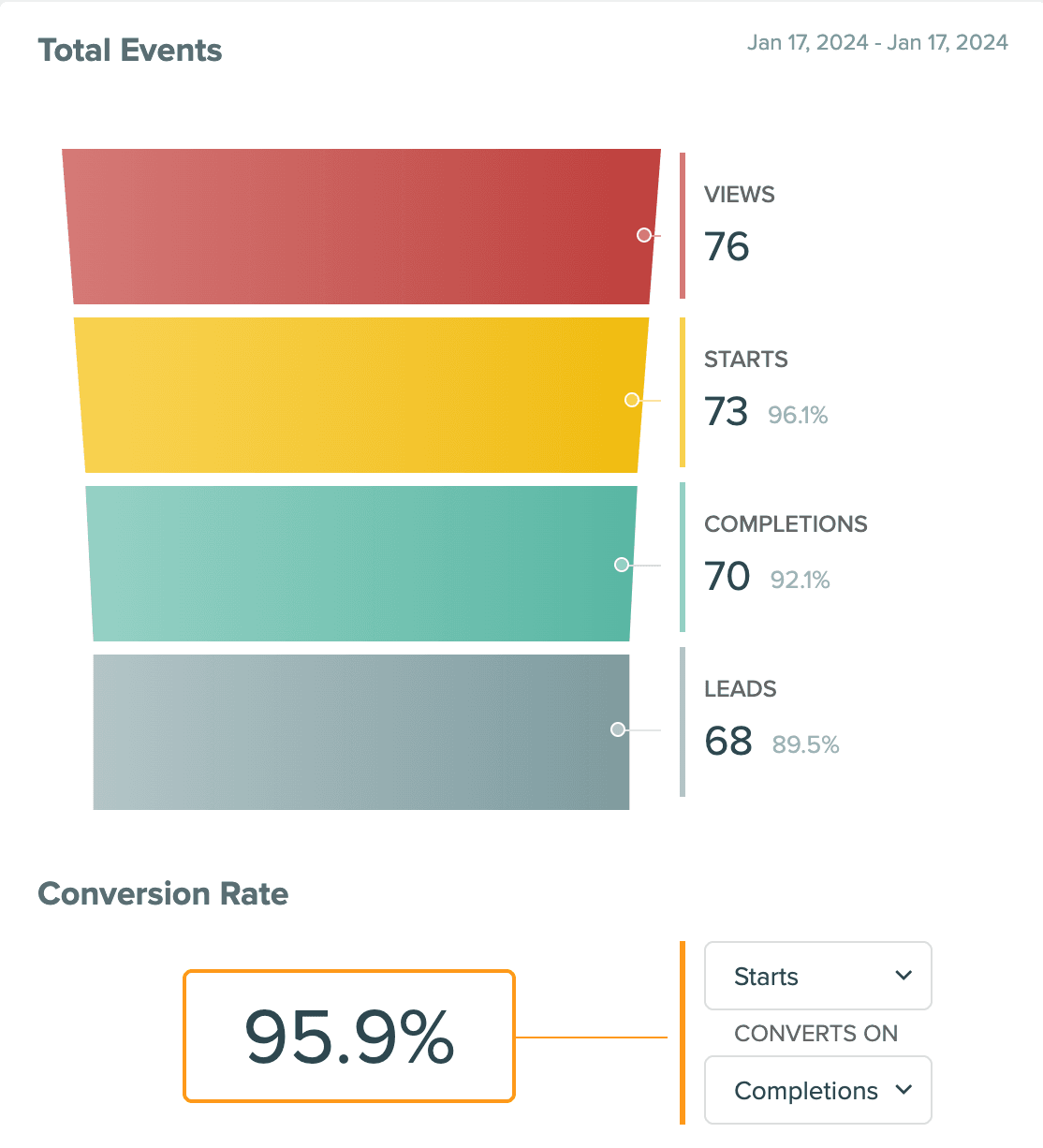
Quizzes are interactive and personalized, making them an excellent way to drive user engagement. They provide a fun and engaging experience, making users more likely to sign up or subscribe.
2. Email List Segmentation
Quizzes can help you build a highly targeted email list. And with a direct integration to your email marketing system you can tag or segment these leads to then trigger specific emails and workflows. By sending emails that address their specific needs or interests, you can recommend offerings that are more likely to convert.
3. SEO Advantages
Boost your SEO efforts with a quiz. Quizzes are great for SEO because they can rank for a wide variety of search queries with minimal competition.
With high search volumes and low competition for quiz-related searches, using keyword-rich titles and descriptions, a well-optimized quiz can drive significant traffic to your site.
How to Create Effective Quizzes (Using AI)
To create an effective quiz, you can use Interact’s AI quiz maker. Here’s how:
Use an AI Quiz Maker
Interact’s AI quiz maker is a great place to start, but any software that has similar capabilities will get you to a similar end result. Here’s the process you’ll want to follow:
- Input: Start by entering your website’s URL.
- AI Scan: The AI scans your website to create a quiz that’s optimized for both engagement and SEO, based on the topics you talk about already.
- Embed: You get an embeddable quiz that can be easily added to your site.
Now, you’re ready to start showcasing your quiz to your audience.
Embedding Quizzes
Embedding quizzes on your website is simple. You can create a dedicated landing page for the quiz, embed it within a blog post, or both.
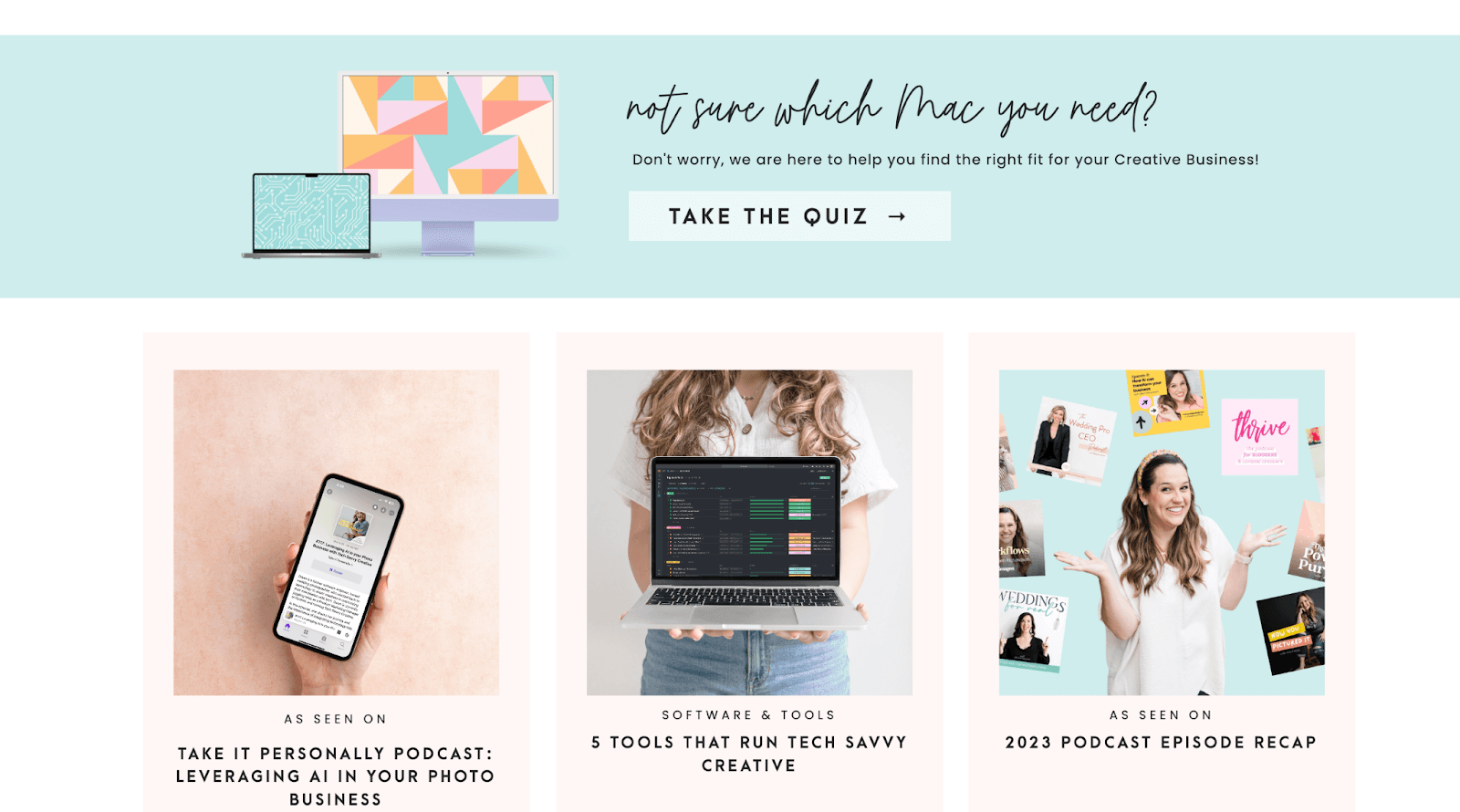
Make sure the page is optimized with clear headers, meta descriptions, and additional content to help it rank on search engines.
Getting an ROI from Quizzes
If you’re new to using quizzes to attract and engage your audience, here are some simple steps, use cases, and tips to getting started down the right path:
- Understand Your Business and Audience: Know your audience and their pain points. Use this understanding to create quizzes that address their needs and guide them to relevant content.
- Identify Common Questions: What are the most frequently asked questions by your audience? Use these questions to form the basis of your quiz. Interact’s CEO, Josh, says the question your audience always asks you should be the title of your quiz.
- Quizzes for New Businesses: For new businesses, quizzes can be a great tool for market research. By analyzing the responses, you can gain insights into what your audience is interested in, which can guide your content creation and product offerings.
- Use SEO Tools to Identify Opportunities: Use SEO tools (like RightBlogger’s Keyword Research Tool) to find popular quiz topics in your industry. This can help you further understand what your audience is looking for and create quizzes that attract a larger audience.
- Validating Ideas with Quizzes: Quizzes can also validate your business ideas. Take the example of Leisa Peterson, whose money chakras quiz did so well that it led to a book deal. This kind of validation can significantly expand your reach.
Now, what makes for a great quiz?
Optimizing Your Quiz Structure (Technical Setup)
Keep your quizzes simple, engaging, and oriented around providing value.
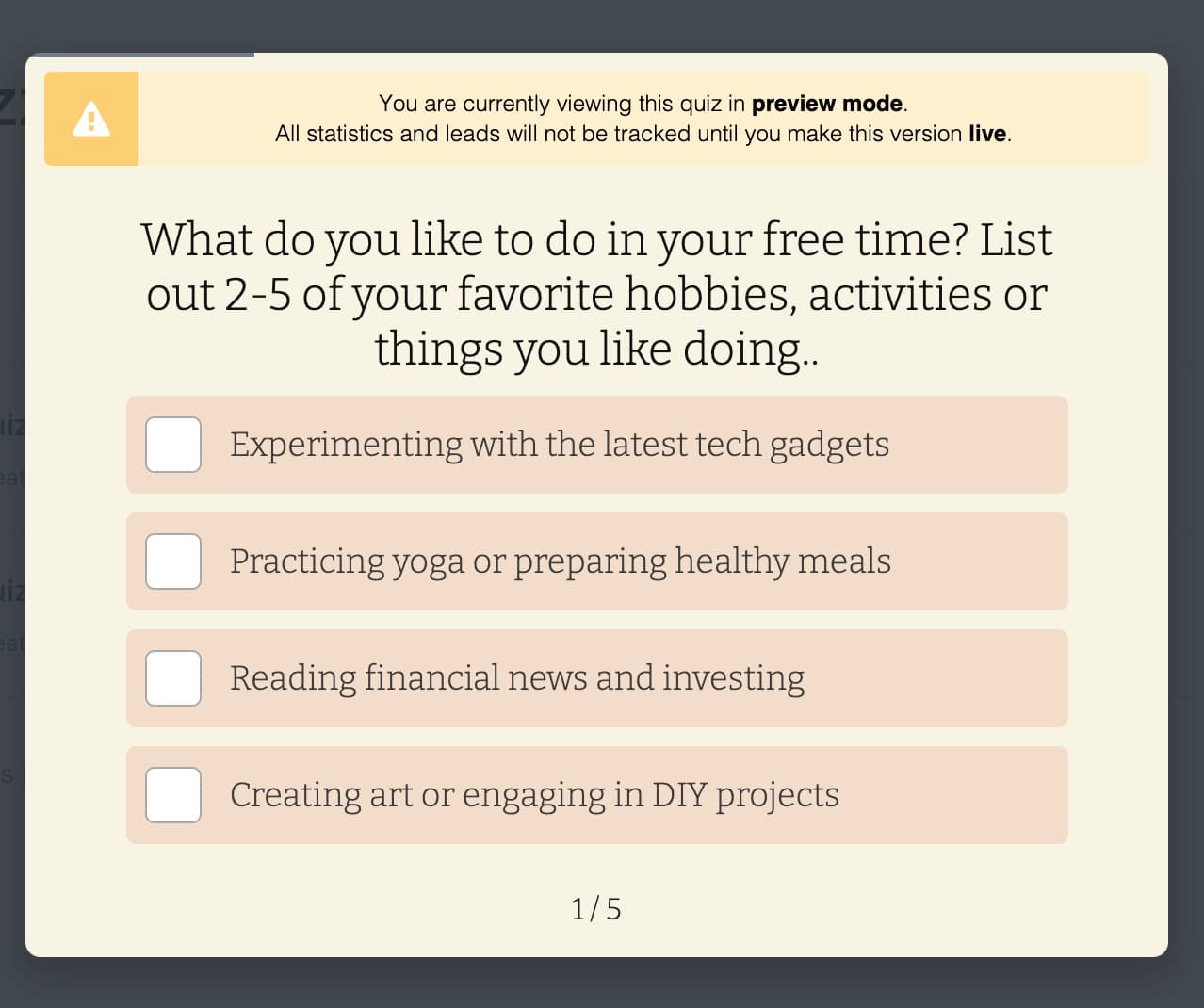
Use multiple-choice or select-multiple formats to keep users moving through the quiz. Avoid open-ended questions that might deter users by making them think to hard or take too long to choose an answer.
For detailed assessments, use branching logic to keep your quizzes short but effective. Aim for around five to ten questions, with the option to branch out for more detailed results if needed.
Interact connects directly with most major email marketing systems. Within the dashboard, you can choose which segments or lists you want to add your quiz leads to based on their quiz result.
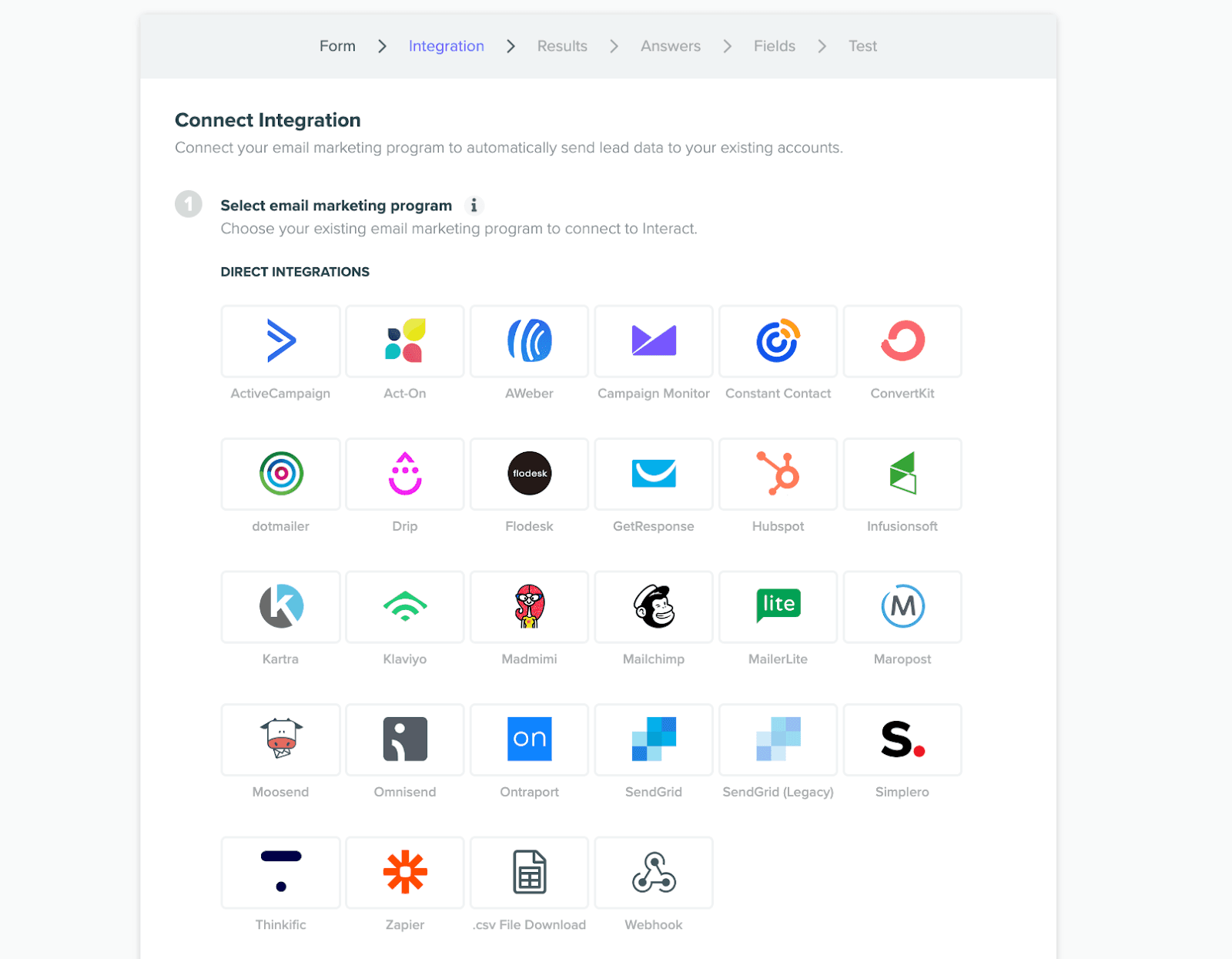
When your quiz is ready to share embed it to your site or pages with clear headers, meta descriptions, and additional content to optimize for SEO. Keep the content between 200 and 800 words to balance detail with readability.
A free WordPress plugin is also available, making it super easy for WP users to share quizzes on specified blogs.
Platform-Specific Quiz Growth Strategies
Tailor your quizzes to the platform you’re using. Create specific quizzes for blogs, YouTube, and social media to match the expectations and behavior of the audience on each platform.
With Interact’s duplication feature you can A/B test the same quiz across platforms or even specific changes like different quiz cover images.

When pitching yourself to be a guest on a podcast, YouTube channel, or blog, focus on the value you can bring to their audience.
Research the platform, understand their audience, and highlight how your expertise can fill a gap in their content.
When asked how listeners can get in touch share the link to your quiz. This way, all the new leads collected will be segmented based on ways you can best serve them.
Final Thoughts on Using Quizzes to Grow Your Audience
Quizzes are a powerful tool for growing your audience. Whether you’re looking to build your email list, drive sign-ups, or improve your SEO, quizzes offer a unique and engaging way to connect with your audience.
Try Interact’s AI quiz maker to get started today and see how quizzes can transform your audience engagement strategy.
Leave your comments and questions below, let’s keep the conversation going!

Article by
Partnerships at Interact, Jackie is a digital nomad with 10+ years in sales, communications, and content creation.



Automated SEO Blog Posts That Work
Try RightBlogger for free, we know you'll love it.





Leave a comment
You must be logged in to comment.
Loading comments...