How to Humanize ChatGPT Content (5 Simple Ways that Work)
Use strict prompt rules, personal insights, and readability edits to turn drafts into your voice.


Creating content with ChatGPT can be insanely helpful at saving time, but let’s face it, the results often sound stiff and robotic. Learning how to humanize ChatGPT content (so it actually looks & sounds like you) is now an incredibly valuable new skill that can help you grow your audience faster than ever before.
Want to bring your AI-generated content to life? We’ve got you covered. In this video & guide, I’m sharing actionable tips to help you better humanize ChatGPT content, so you’re happy with the outputs, and your readers are too.
Not only will these strategies improve the readability of your content, but I’ll also show you how to tweak ChatGPT prompts and enhance your workflows using techniques we’ve perfected here at RightBlogger. Ready to transform your content? Watch with me here for a complete walkthrough:

For an even deeper dive, check out my ultimate guide to using ChatGPT today.
Complete Blog Automation in Minutes
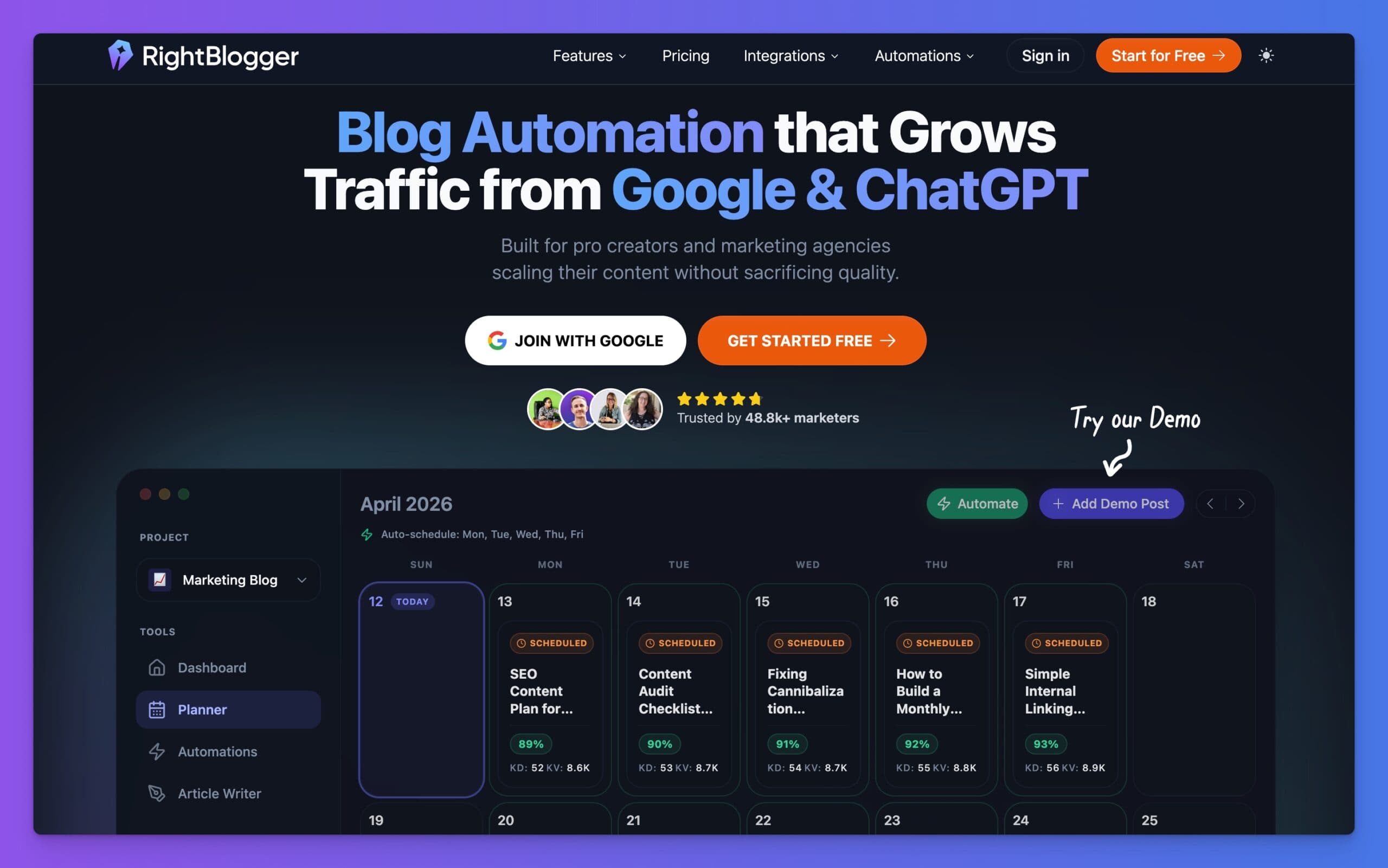
Join 48,879+ marketing agencies, pro creators, and marketing teams in using RightBlogger’s powerful blog automation system. You’ll drive more traffic from Google and ChatGPT with our AEO & SEO automated publishing. Plus, you’ll access our library of 80+ standalone tools, online courses, a private community, and more.
Why Does ChatGPT Content Feel Robotic?
First, let’s start with the elephant in the room: Why does ChatGPT sometimes feel like it’s speaking at you rather than to you? AI tools have a remarkable ability to quickly generate text that may sound good on the surface, but these tools often lack nuance. They can overly rely on formal phrases, funky metaphors, complex sentence structure, and lifeless transitions.
In short, most purely AI-generated content (without human guidance, oversight, and editing) will very clearly sound like a robot wrote it.
These issues make ChatGPT content very easily identifiable as AI-generated, which will leave most readers feeling disconnected with you as the creator. Luckily, with a few tweaks (and yes, some real effort from you), we can add some much-needed personality to humanize ChatGPT content for the better.
5 Ways to Make AI Content Sound More Human (AI Humanization Tips)

Here’s where the humanization magic really begins. Follow these simple steps to help transform your ChatGPT outputs into more clear, engaging, and human-sounding content that’ll make for much stronger first drafts in your process.
1. Tweak Your ChatGPT Prompts
Any successful AI humanization effort has to begin with giving ChatGPT extremely clear guidance. Think of ChatGPT (and RightBlogger) as a supercharged assistant, when you give your new assistant a ton of direction for completing a task, it’ll naturally turn out much better than if you give them a sentence or two of instructions & set them loose to try their best.
Use ChatGPT prompts that set your AI up for success. That means specifying the tone, style, and structure of the output. That’s exactly why we built MyTone here inside RightBlogger, to instantly learn from the content you’ve already written, and humanize the tone of your AI accordingly.
Here’s a fantastic example of some AI prompt guidelines you can copy & paste over to humanize your own ChatGPT prompts.
AI Prompt Guidelines to Humanize Your Content (version 2):
This simple addition to your ChatGPT prompts can drastically reduce the robotic sound of your content. Play around with these ideas and adjust them to suit your unique style.
Pro Tip: Need more inspiration? Check out our best roundups of copy & paste ChatGPT prompts you can take straight into your content creation process right now:
- Our Best ChatGPT Prompts for Blogging
- Our Best ChatGPT Prompts for Writing
- Our Best ChatGPT Prompts for Editing Your Writing
- Our Best ChatGPT Prompts for Marketing
- Our Best ChatGPT Prompts for Social Media
2. Run ChatGPT Content Through AI Detectors (But Don’t Overthink it)
After creating AI content, consider running it through an AI detection tool like GPTZero to get a quick gauge on just how AI it’s sounding. Just don’t put too much stock in the accuracy of these tools, as our experiments have found them to be unreliable most of the time.
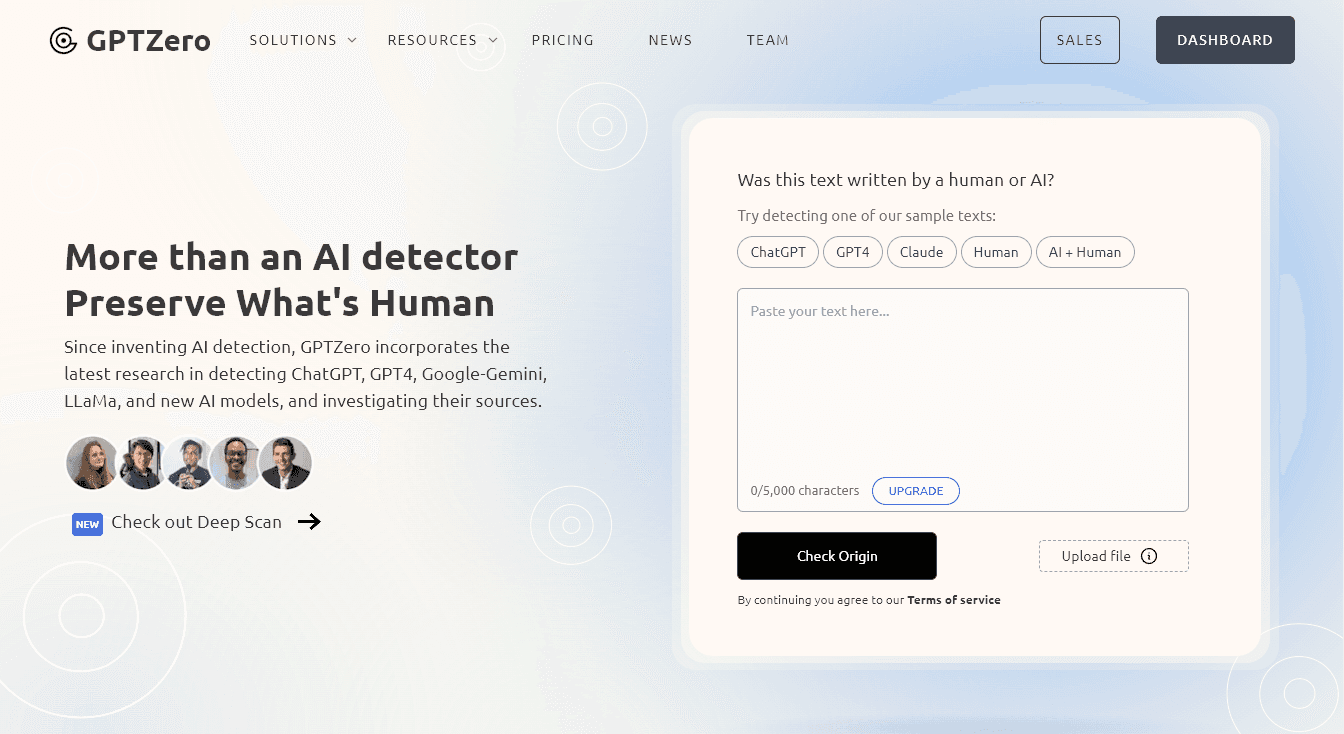
While these tools aren’t always accurate, they can provide insight into how “human” your content will seem to others. Just don’t allow AI detection tools to make decisions for you, because they’re often making a best guess determination behind-the-scenes.
As we’ve said, don’t rely too heavily on these AI detectors. OpenAI (the makers of ChatGPT) themselves discontinued their own detection tools because of reliability issues.
Instead, use AI detection tools (like Ryan’s AI detector) to focus on making practical edits that enhance the readability and humanize ChatGPT content more for real readers.
3. Give Your AI Content a Personal Touch
Want to go from “meh” to memorable? Add your own opinions, weave in real life stories, examples from your own experiences, and hard-earned insights into your AI-assisted content. ChatGPT can even help you brainstorm questions to answer that’ll help you humanize your AI first drafts.
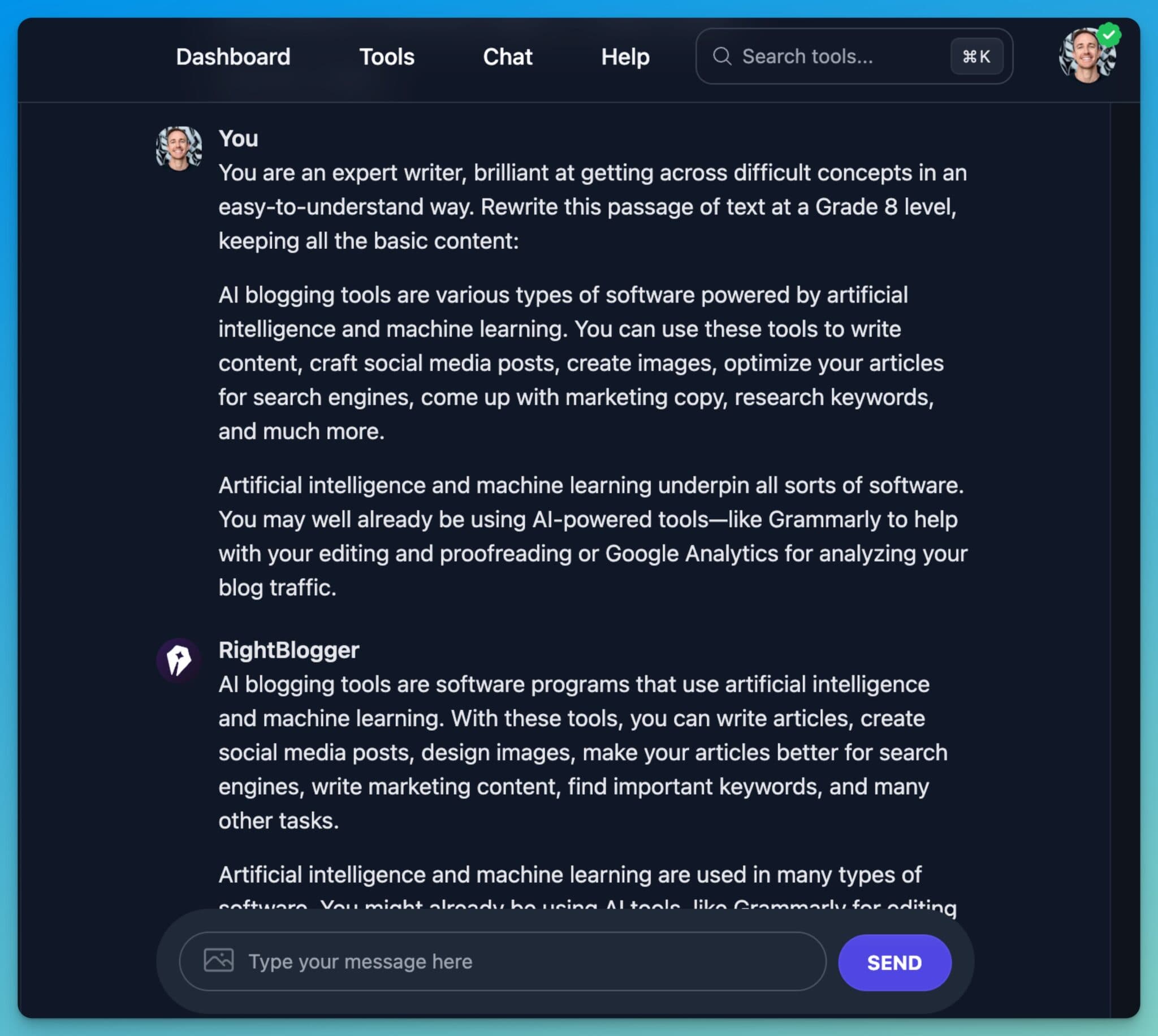
Ask ChatGPT to give you a list of questions after creating your first draft, to help humanize your content even more. Or, start with answering these examples in your original prompt:
- What’s been your personal experience with this topic?
- How would you explain it to a friend?
- What’s one unique angle or takeaway your audience can benefit from?
Answer these questions yourself, then inject those answers directly into the text. Personalization is non-negotiable if you want readers to engage with your work.
4. Break Up the Text for Better Flow
Formatting can make or break your content, which is why we’ve invested a ton of time and effort into making our Article Writer really skilled at nailing your formatting preferences, so readers will be able to get the information they need from your content, as easily as possible.
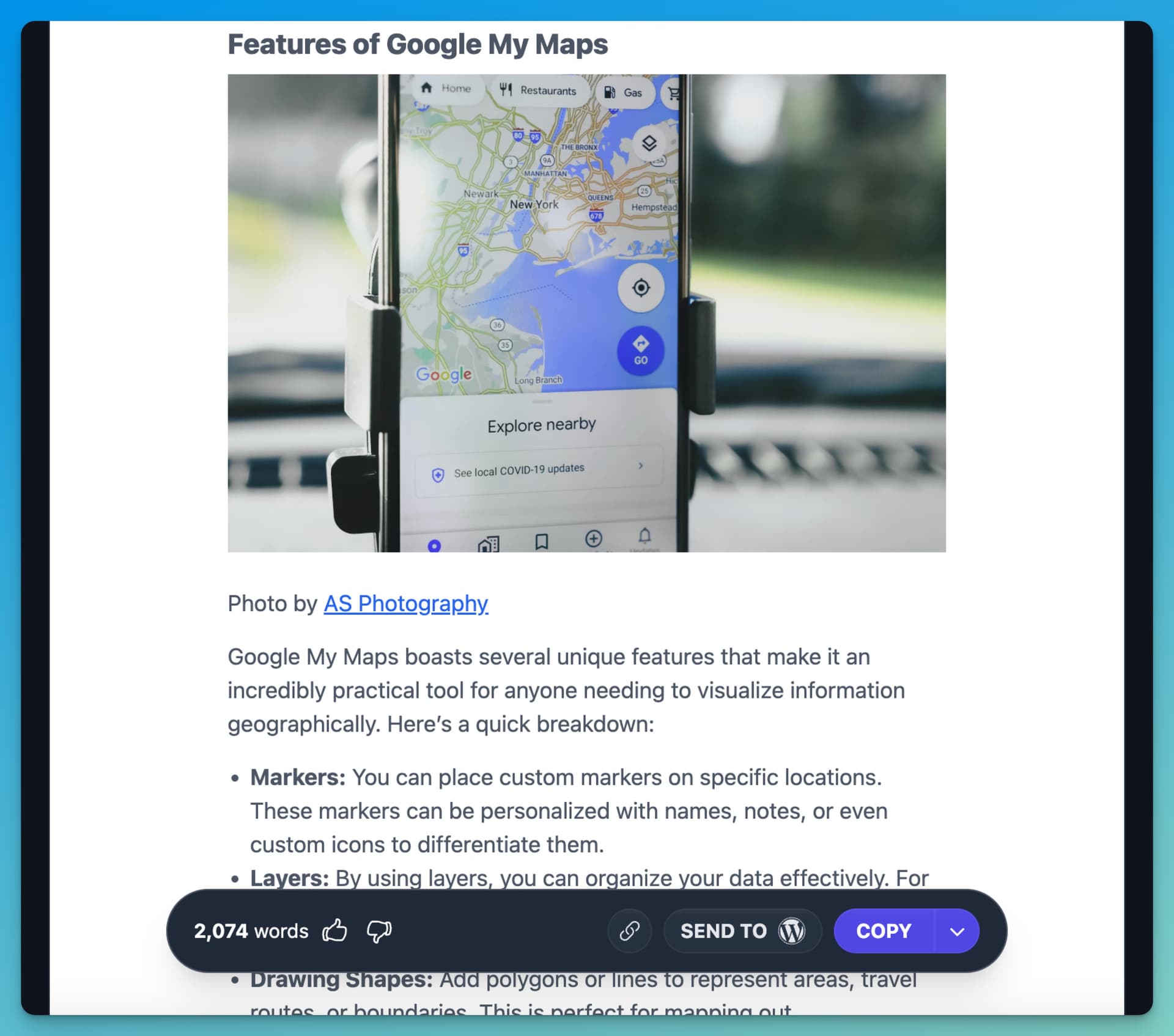
Humanize ChatGPT content in your blog posts by creating more digestible sections with the use of headings, bullet points, and short paragraphs that make your content more easily scannable. For example:
- Use list formatting to draw reader attention and highlight important ideas
- Break up longer thoughts into smaller sentences & paragraphs
- Insert direct questions like “Does this resonate with you?” to keep your readers engaged and encourage them to think while they’re reading
- Weave in relevant images and graphics that help break up long blocks of text (you can use our AI Image Generator for that)
When it comes to formatting, what’s most important is that you’re reaching readers in the format they want to consume content. Take time to understand whether your audience digs long-form content, or likes shorter, more digestible bits of information they can take action on.
In April 2025, there was also a rumor of OpenAI creating invisible watermarks with invisible whitespace characters in ChatGPT, but this turned out to be a training error, and they have no plans of adding watermarks.
5. Use Tools Like RightBlogger
There’s no need to reinvent the wheel here. If you want to level up your AI-assisted content creation game, use platforms like what we’ve built here inside RightBlogger. We’ve curated each of our 80+ AI-powered tools just for bloggers, marketers, creators, and business owners. Our tools will save you time.
Here are a few actionable ways using tools like RightBlogger can be a significant improvement over just using ChatGPT directly:
- Create a highly personalized writing style by uploading your existing work (RightBlogger’s MyTone will remember your style & you can apply it to all your content creations)
- Use our Improve Writing Tool to instantly humanize any piece of content
- Generate SEO blog posts effortlessly with the Article Writer while maintaining your unique style, voice, and approach to the topic at-hand
- Collaborate and store all your content creations inside one organized platform to help streamline management of your marketing workflows
- Repurpose video content into SEO-friendly blog posts & social copy in just a few clicks using the Video to Blog Post tool
- Fully automate your blog with a content planner that schedules your topics and generates posts for you on a set schedule.
These are just a few of my favorite ways to blend the huge productivity gains of using AI, with delivering human-like quality in the results. If you’re curious to explore more about using AI tools in your marketing, check out our guide to AI in content marketing.
When Should You Skip Using AI for Your Content?
AI does best when it works as a first draft assistant. However, some situations demand a more expert-informed or heartfelt touch.
🔑 If you don’t feel personally knowledgeable or genuinely interested in a particular topic, it’s best to steer clear of using AI to try and bridge that gap. I know… probably not what you want to hear, but it’s the truth.

Here’s why: AI can only output quality content when it’s given the right (or enough) context. Without clear direction or your own personal input, the final results AI will create are often going to read as generic and lifeless… at best.
What’s more, if you’re using AI to try and create content on a subject you don’t know much about yourself, you’ll run a high risk of not being able to properly edit the content for accuracy.
Remember, AI is an assistant in your content workflow, it can’t replace what makes your content truly special, you.
Frequently Asked Questions
How do I make AI text sound more human in minutes?
As outlined in this article, set strict prompt rules for tone and sentence length, then add one personal story or opinion per section. Finish with a quick readability edit. Using a good prompt like the one I included in this post along with a good AI model (like GPT-5.6 Sol or Gemini 3.1 Pro) will give you the best results.
Should I rely on AI detectors before publishing?
No. AI detectors are not reliable, use them as a light signal, not a gate. Focus on clarity, voice, and factual accuracy. OpenAI discontinued its own detector due to reliability issues.
What parts should I always add myself?
Lived experience, examples, contrarian takes, and specific steps you have tested. These lift quality and trust. This is best when you add it in the prompting phase.
How can RightBlogger help with voice consistency?
Upload samples to MyTone, apply your style across drafts, then run the Improve Writing tool to tighten flow and reduce robotic phrasing.
When should I skip using AI for content?
Skip it when you lack subject knowledge or when the topic requires expert nuance or a heartfelt stance. You will not edit it well for accuracy or depth.
Humanize ChatGPT Content: Key Takeaways to Make Your AI Content Shine
Humanizing ChatGPT content isn’t rocket science, but it does take a bit of practice and intention. Really, it’s through direct experience and repetition that you’ll develop an understanding of how AI functions over time.
With these pointers, you’ll not only produce more natural-sounding content your audience will enjoy, but you’ll create more opportunities for growing your audience along the way.
Remember these key takeaways to better humanize your ChatGPT content:
- Experiment with smarter (more detailed) prompts
- Inject your own stories, examples, and opinions into your prompts
- Lean on tools like RightBlogger to streamline your processes
- Edit, tweak and refine your draft content until you’re proud of the results
Want more blogging tips and AI insights? Sign up for a free RightBlogger account and get access to all our best content, delivered weekly.

Article by
RightBlogger Co-Founder Andy Feliciotti builds websites and shares photography and travel adventures on YouTube and his travel blog.



Automated SEO Blog Posts That Work
Try RightBlogger for free, we know you'll love it.





Leave a comment
You must be logged in to comment.
Loading comments...