How to Write a Meta Description (SEO Guide)
Keep key value within 105 characters, use one specific detail, and avoid generic CTAs.

A meta description is the short snippet of text that shows up under your page title in search results. It’s not a direct ranking factor, but a well-written one can meaningfully lift your click-through rate, which compounds over time.
This guide covers what actually moves the needle in 2026. Google has no official character or pixel length for the tag. Snippets truncate to the device, and Google uses your meta sometimes. Official rules: how Google generates snippets. The rest is how to write one people still click, in under five minutes per page.
Key takeaways
- A meta description is a short page summary search engines may show under your title in results.
- It is not a ranking signal. Write one for clicks, not rankings.
- There is no official tag length. Front-load the useful part so it still reads if mobile cuts the snippet. Length control, if you need it, is
max-snippetornosnippet, not a 155-character rule. Robots meta tags. - Snippets come primarily from the page. Google uses the meta description sometimes. There is no official rewrite percentage, and AI Overviews do not “rely on” the meta tag.
- The strongest meta descriptions name a specific number, outcome, or detail. The weakest ones use generic verbs like “Learn how to” or “Discover the secrets.”
- Write a unique one for every important page. Use a tool like RightBlogger’s meta description generator if you’re refreshing dozens at once.
What is a meta description?
A meta description is a short summary of a page. Search engines may show it below the title. It lives in HTML as a <meta name="description" content="..."> tag. Yoast SEO, Rank Math, and AIOSEO all expose it as a normal WordPress field. There is no official 120–160 character spec.
Search engines don’t use the meta description as a ranking signal. They have said this publicly for years. What it does is influence the click. A clear, specific meta description can lift CTR. That is not the same as ranking. To inspect a page’s meta quickly, the RightBlogger Chrome Extension or Meta Preview Tool will pull it for you.
How long should a meta description be?
Google publishes no official length for the meta description tag. The snippet you see is truncated to the device. Official: how Google generates snippets. If you need to cap what Google may quote, use max-snippet or nosnippet, not a 155-character rule. Robots meta tags.
As practice, front-load the useful part so a short mobile snippet still makes sense. SERP preview tools (including RightBlogger’s SERP Preview) show a guess, not Google’s exact cut.
Google rewrites most meta descriptions. Write a good one anyway.
Google says snippets come primarily from the page. The meta description is used sometimes. There is no official rewrite percentage. Official: how Google generates snippets.
Write a strong one anyway, for four practical reasons:
- When Google does use your meta, that is the copy you chose.
- Bing, DuckDuckGo, Yandex, and Brave often show the meta more literally than Google does.
- When someone shares your page on LinkedIn, Slack, iMessage, or X without an Open Graph description, the meta often becomes the preview text.
- AI Overviews and assistants may quote the page. They do not officially rely on the meta tag.
What makes a meta description actually get clicked
The same principles that make a good headline make a good meta description. Be specific. Be useful. Avoid filler. Here’s what that looks like in practice.
1. Lead with the specific thing the reader wants
The first 8-10 words do most of the work. Put the number, outcome, or specific detail there.
Weak: “Learn how to write the perfect meta description for your blog posts and improve your SEO.”
Strong: “Name a specific outcome and skip generic CTAs. A 7-step playbook for writing meta descriptions that actually get clicked.”
2. Use a natural CTA, not a stock one
“Read now,” “Learn more,” and “Discover the secrets” are generic enough that they signal AI-generated copy to a skimming reader. Replace them with something tied to the page’s actual outcome.
Weak: “Discover the secrets to writing better blog posts. Read now.”
Strong: “The 5 structural moves that take a blog post from 800 visits/month to 8,000, with examples from real RightBlogger users.”
3. Include the main keyword, but don’t stuff it
Google bolds query-matching words in the displayed snippet, which catches the eye on the SERP. Including your primary keyword once, naturally, helps signal relevance to a skimming reader. Don’t try to cram in three variations. If you haven’t done keyword research yet, our roundup of free keyword research tools is a good place to start.
4. Match search intent, not just the keyword
If the query is “best DSLR camera,” people want a comparison. If it’s “how to clean a DSLR,” they want a procedure. Your meta description should signal which one you’re delivering in the first few words. Mismatched meta descriptions get clicks, but those clicks bounce immediately, and that’s worse for your rankings than no click.
5. Use one specification or number when you have one
Numbers and specs cut through scroll. “12 free tools” beats “many free tools.” “Updated for 2026” beats “the latest information.” “Used by 50,000 marketers” beats “trusted by professionals.” Pick one specific anchor and use it.
6. Make sure it matches the page
A meta description that overpromises is one of the fastest ways to teach Google to ignore it. If your page is a 6-tool roundup, don’t write a meta that hints at 25 tools. Misalignment between meta and content drives bounce rate up and trains Google’s snippet system to write its own.
7. Write a unique one for every important page
Duplicate meta descriptions across many pages signal a thin or templated site. Every important page (any page you actually want ranking) should have a unique meta description that reflects what that specific page offers. Yoast SEO and Rank Math will both flag duplicates in their site-wide reports.
Generating meta descriptions with AI (without it sounding like AI)
If you’re refreshing dozens of meta descriptions at once, AI tools can drastically cut the time. The trade-off is that default AI output tends to lean on the same generic phrasing (“Discover,” “Learn how to,” “Unlock the secrets”) that signals low-effort copy to skimmers. The fix is to use AI for a first pass, then edit hard.
RightBlogger has a meta description generator that takes a topic or post URL and outputs a few options to choose from. Other options include the meta description features inside Yoast SEO Premium and Rank Math Pro.
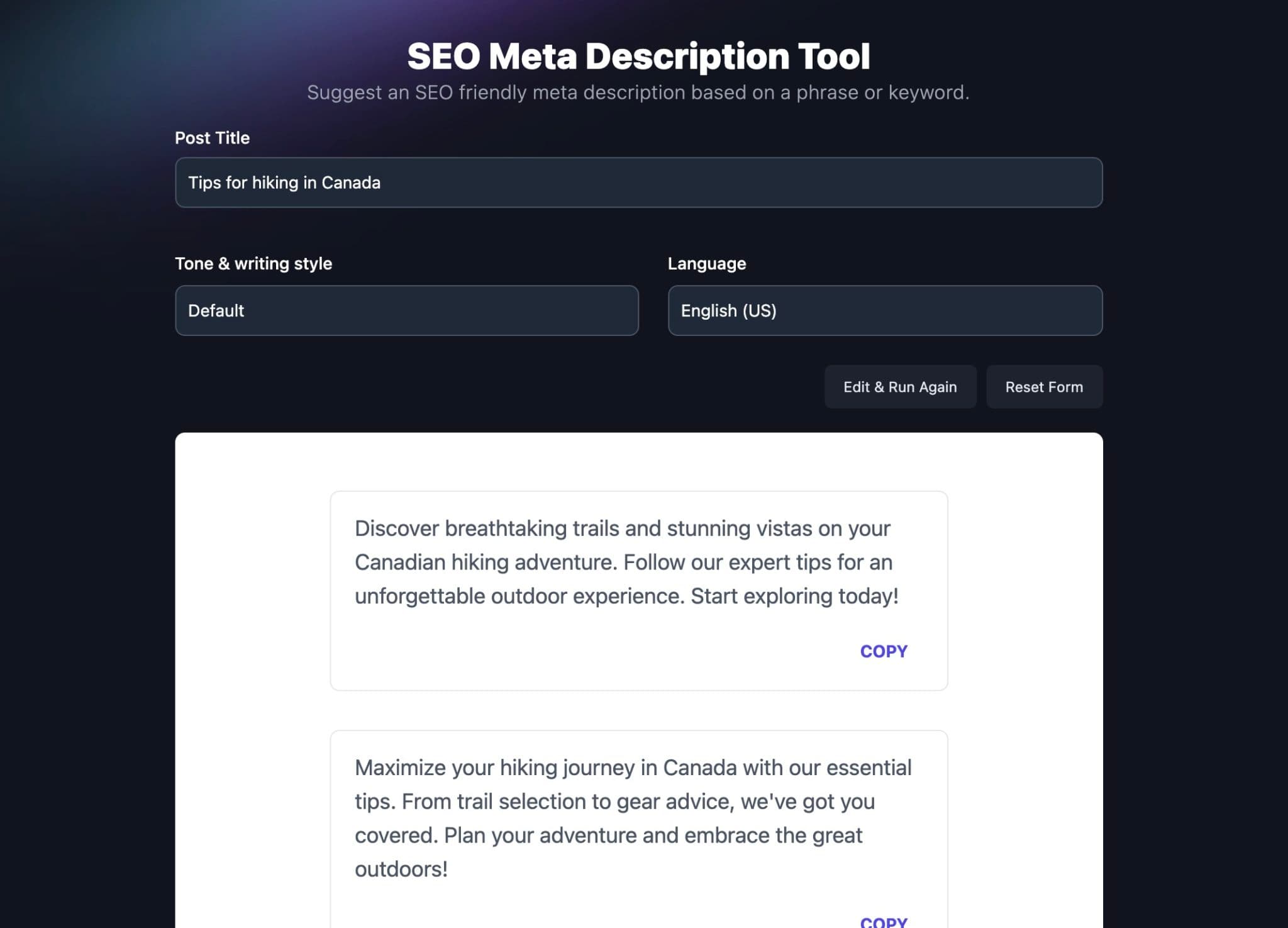
Whichever tool you use, the editing pass matters more than the generation step. Read each output aloud. If it sounds like a press release, rewrite it.
Common questions about meta descriptions
What’s the best length for a meta description?
There is no official length. Front-load the useful part so a short mobile snippet still reads. A SERP preview tool is a guess at the cut, not a spec. Official: how Google generates snippets.
Can I use the same meta description for different pages?
No. Every important page should have a unique meta description. Yoast and Rank Math still flag duplicates. Search Console’s old HTML Improvements report did not migrate into Enhancements, so do not look for duplicate-meta flags there. Focusing on the new Search Console.
Do meta descriptions affect search rankings?
No. The meta description is not a ranking signal. A clearer one can earn more clicks. That is it.
Should I always add my keyword to the meta description?
Use it once, naturally. Google bolds query-matching words in the displayed snippet, which catches the eye. Don’t try to fit multiple keyword variations; that reads as overoptimized and ages badly.
Does Google always show my meta description?
No. Snippets come primarily from the page. Google uses your meta sometimes. There is no official rewrite percentage. Write a strong one anyway for the times it is used, plus Bing, DuckDuckGo, and social previews. Official: how Google generates snippets.
Is the meta description the same as the Open Graph description?
They’re separate tags but often duplicated. The meta description is what search engines may show. The og:description is what platforms like LinkedIn, Facebook, Slack, and iMessage show in link previews. If you don’t set og:description, most platforms fall back to the meta description, but you can write a punchier social-specific version when it matters.
Writing meta descriptions that earn the click
Meta descriptions are the cheapest CTR lever in SEO. They take five minutes per page, they’re trivially editable, and they don’t require a redesign or a rewrite. The mistake most bloggers make is treating them as filler. Write each one with the same care you’d give a headline.
Pair this with a sharp meta title, an author byline that signals expertise, and content that delivers what the meta promises, and you’ve covered the snippet trifecta that drives organic clicks in 2026.
Complete Blog Automation in Minutes
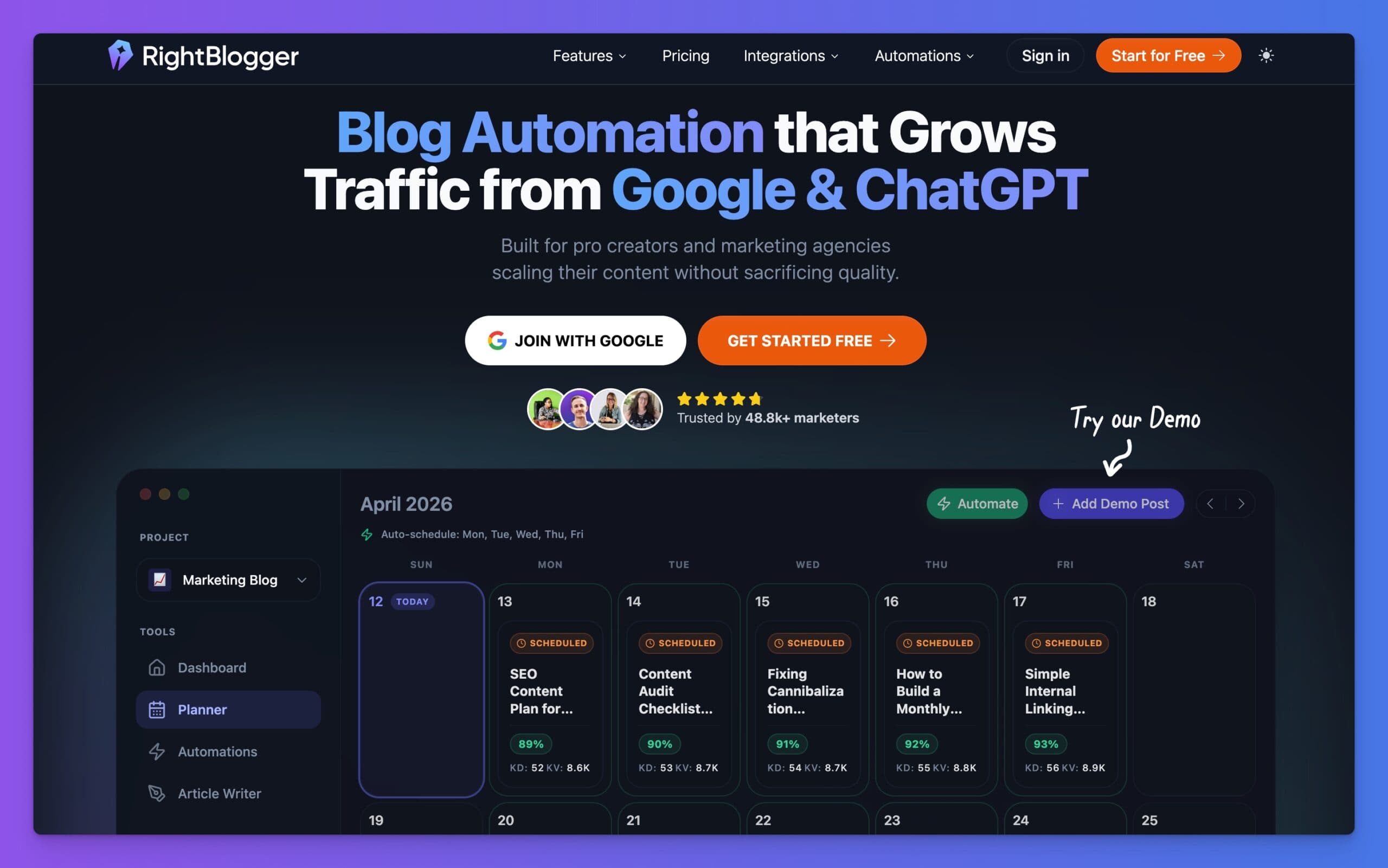
Join 48,879+ marketing agencies, pro creators, and marketing teams in using RightBlogger’s powerful blog automation system. You’ll drive more traffic from Google and ChatGPT with our AEO & SEO automated publishing. Plus, you’ll access our library of 80+ standalone tools, online courses, a private community, and more.

Article by
RightBlogger Co-Founder, Andy Feliciotti focuses on website development and shares photography and travel adventures on YouTube and his travel blog.


Automated SEO Blog Posts That Work
Try RightBlogger for free, we know you'll love it.





Leave a comment
You must be logged in to comment.
Loading comments...