Autoblogging for Niche Sites: My 50 Posts/Month AI System
Batch 5 to 15 drafts weekly, then spend 15 to 25 minutes humanizing each.


If you run a niche site, you already know the real bottleneck is simple… publishing enough good content, consistently. Thankfully, AI autoblogging for niche sites is the holy grail we’ve been waiting for. Consistent high quality content that’s AI SEO-optimized, it’s a done deal.
When I first started playing with AI autoblogging tools myself, I treated it like a toy. Now it’s a core part of how I keep multiple blogs posting fresh, SEO-focused content every single day… across my entire portfolio of niche sites, without living inside WordPress or hiring a massive freelance writer army.
Key Takeaways on AI Autoblogging for Niche Sites
- AI autoblogging works best for tight, focused niche sites where you repeat similar search intents and content formats across many blog posts and keyword clusters.
- A clear 50-post content plan, built from long-tail keywords and simple formats, keeps your publishing queue full without constant ideation.
- Use AI for about 80% of the work, then spend 10 to 20 minutes per post on human editing to make intros more personal, add unique insights, real life examples, and maintain trust with your audience (and search engines & AI LLMs).
- A simple weekly batching system (generate, edit, schedule) lets you publish 20 to 60 posts per month without burning out.
- Basic on-page SEO and internal links on every post, plus regular performance reviews, turns your autoblogging workflow into a long-term content engine, not just a one-off stunt.
In this guide, I’ll walk you through the step-by-step system I use to publish around 50 posts per month on a niche site, without burning out or trashing the quality of content you’re publishing.
Complete Blog Automation in Minutes
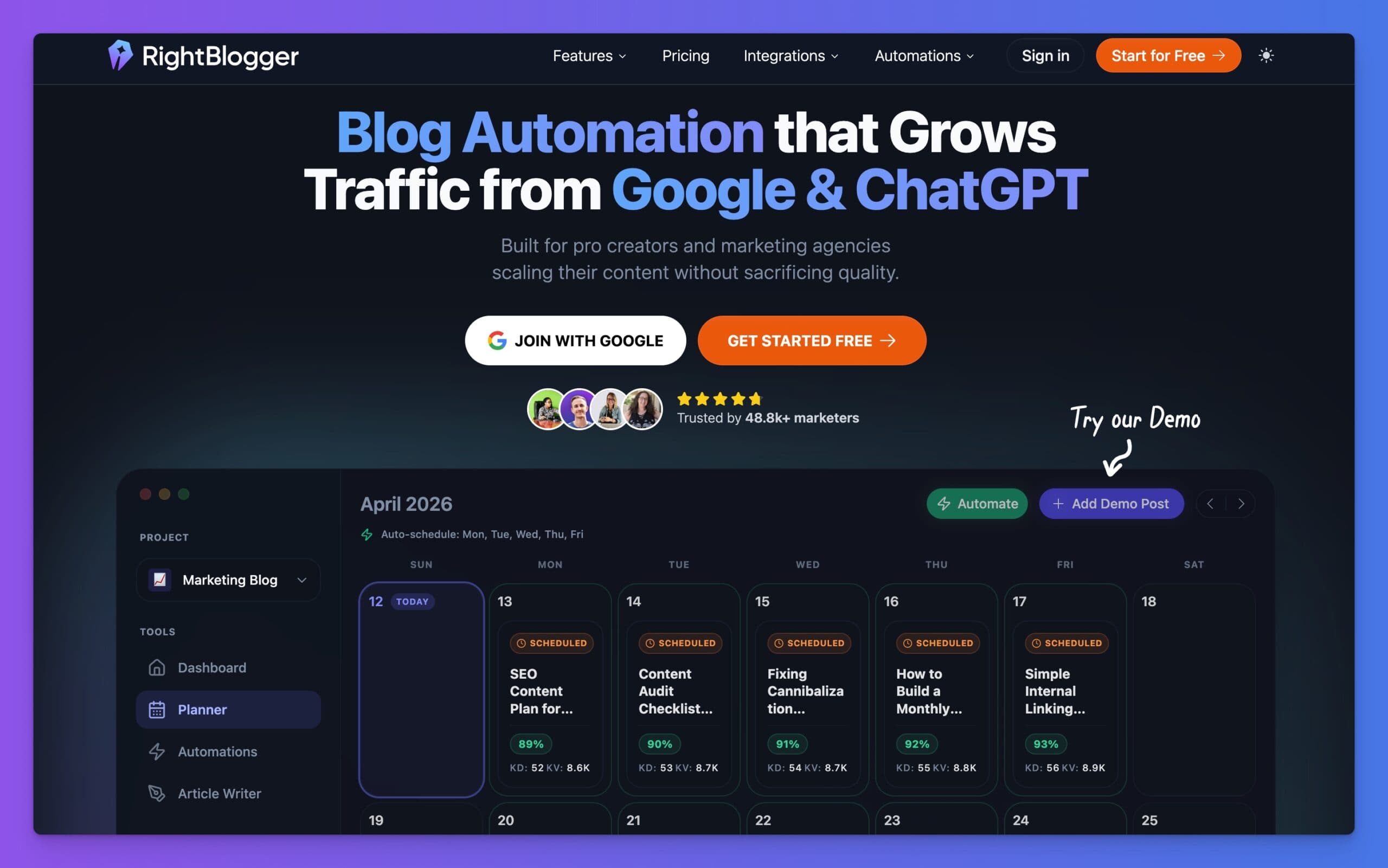
Join 48,879+ marketing agencies, pro creators, and marketing teams in using RightBlogger’s powerful blog automation system. You’ll drive more traffic from Google and ChatGPT with our AEO & SEO automated publishing. Plus, you’ll access our library of 80+ standalone tools, online courses, a private community, and more.
Why AI Autoblogging is Perfect for Niche Sites

Niche sites are perfect for AI autoblogging because the topics almost repeat, and are all interconnected to one another. You cover similar questions, products, and pain points from different angles and for different long-tail keyword phrases.
Here’s what AI autoblogging for niche sites really means:
- You can build repeatable templates & repeated AI workflows for posts.
- You can train tools on your tone once, then reuse that work.
- You can automate a lot of the research and outlining.
Modern autoblog tools like our own RightBlogger Autoblogging Content Planner, and others like Autoblogging.ai and Arvow’s autoblog feature all take different approaches & show how far this space has already come. You give your tool a niche, a publishing cadence, a writing style (like our MyTone), and the tool keeps your publishing schedule full.
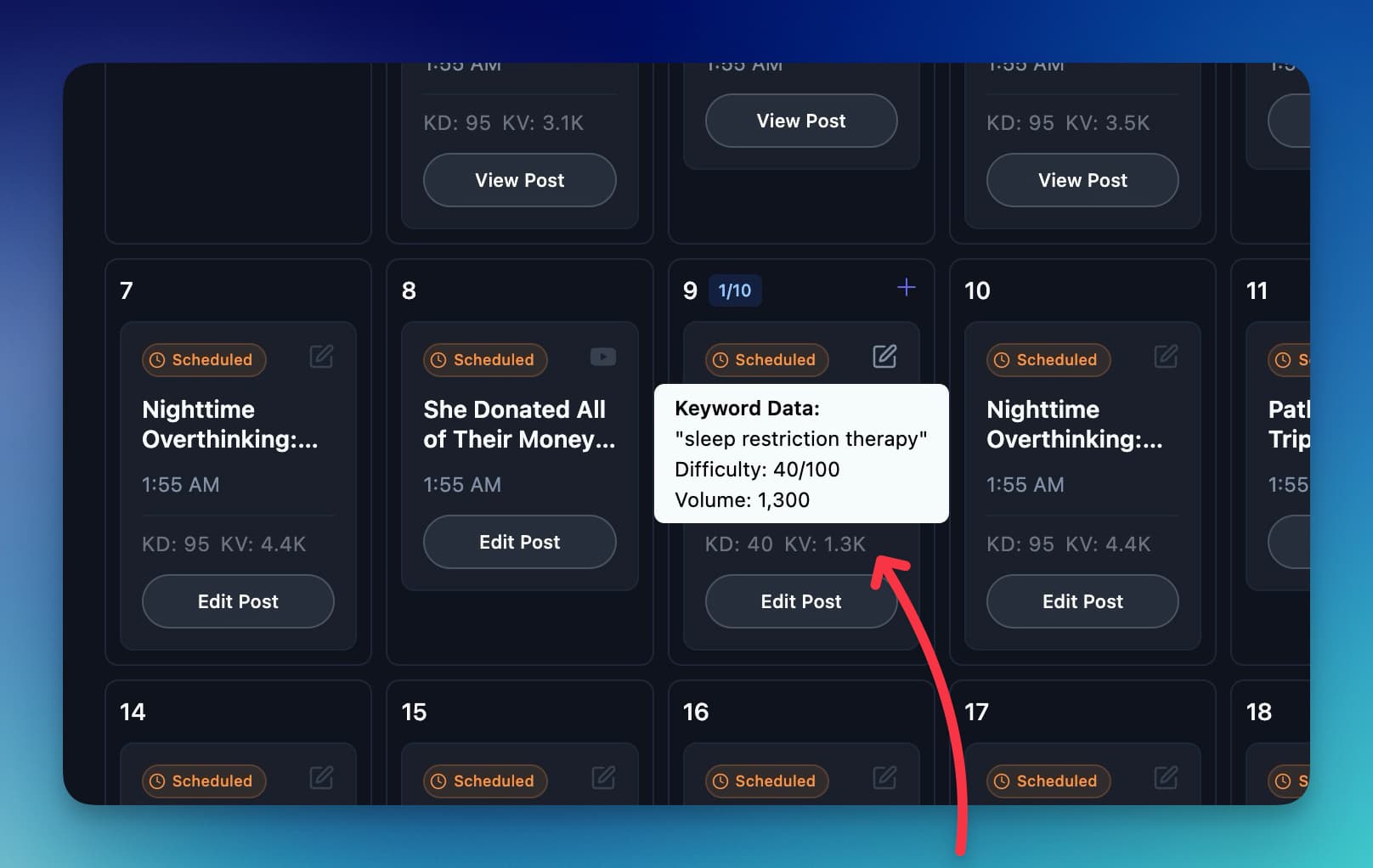
👋 I don’t let AI autoblogging immediately run wild on my money niche sites without some oversight, though. As you’re dialing in your process and workflows, you’ll get the hang of these tools and eventually get to set it & forget it mode.
The “secret” is simple: Use AI for 80% of the work, then spend your energy on the last 10-20% that actually moves rankings and maintains trust in your content. You don’t wanna publish AI slop, and if you choose the wrong tool for your autoblogging, it’s definitely a risk. Quality checking is key if you want real results.
Here’s how I set up my AI autoblogging workflow for niche sites:
Step 1: Pick a Clear Niche and Simple Content Format
AI struggles when the niche is too broad. My best autoblogging results come from tight topics like “indoor herb gardening” or “Notion templates for teachers,” not “general lifestyle.”
I start by answering three questions:
- Who is my reader?
- What do they search for often?
- What format helps them fastest?
For a new niche site, I usually choose one core format for the first 50 posts, for example:
- “How to” tutorials
- Product roundups and mini reviews
- Short FAQ-style posts around one keyword
The more consistent the content format, the easier it is to dial in your AI prompts and system.
If you want ideas for tools before you lock in your stack, this breakdown of the top autoblogging tools is a helpful overview.
Step 2: Build a 50-Post Content Plan in One Sitting
Once I know the niche and format, I sit down and plan 50 posts in one shot.

It usually takes me about 30 minutes using our AI-powered keyword suggestions, because it’s already connected to my site (and suggesting realistic keywords I can rank for quickly).
Here’s the simple process I use:
- Start with a seed list of 5 to 10 broad topics.
- Expand each into question keywords and long-tail phrases.
- Group them into clusters so each group supports a main “pillar” page.
I will often use keyword tools or AI helpers here. Lists like this one of best AI blogging tools give good options if you don’t have a favorite yet.
My goal at this stage is not to be perfect. I just want 50 “good enough” topics, each mapped to:
- One primary keyword
- A simple search intent (info, compare, review, etc.)
- A rough title
Now I know what needs to ship. The rest is building the machine that writes, edits, and publishes it on time.
Step 3: Set up Your AI Autoblogging Stack
Next, I choose one main AI autoblogging tool to sit at the center of my system.
You can do this with lots of platforms. For my own projects, I like an AI-driven autoblogging solution that can plan, write, and schedule at once, for example the autoblogging with AI content planner inside RightBlogger.
Whichever tool you pick, just make sure it can:
- Schedule posts on a calendar.
- Connect to your CMS (WordPress, Webflow, Ghost, etc.).
- Save reusable prompts or templates.
- Support your tone and brand.
I also like to sanity-check my setup against broader guides like this ultimate guide to AI auto blogging. It is a good way to spot gaps, like forgetting internal links or schema.
Then I set my target:
- Cadence: 5 to 15 posts per week.
- Length: 1,200 to 1,800 words for main posts, shorter for FAQs.
- Mix: 70% evergreen, 30% product or affiliate focused.
Once the skeleton is ready, I move into an actual production rhythm.
Step 4: Create, Edit, and Schedule in Weekly Batches
Publishing 50 times a month sounds heavy if you think about each post one by one. The trick is to batch your autoblogging for niche sites.
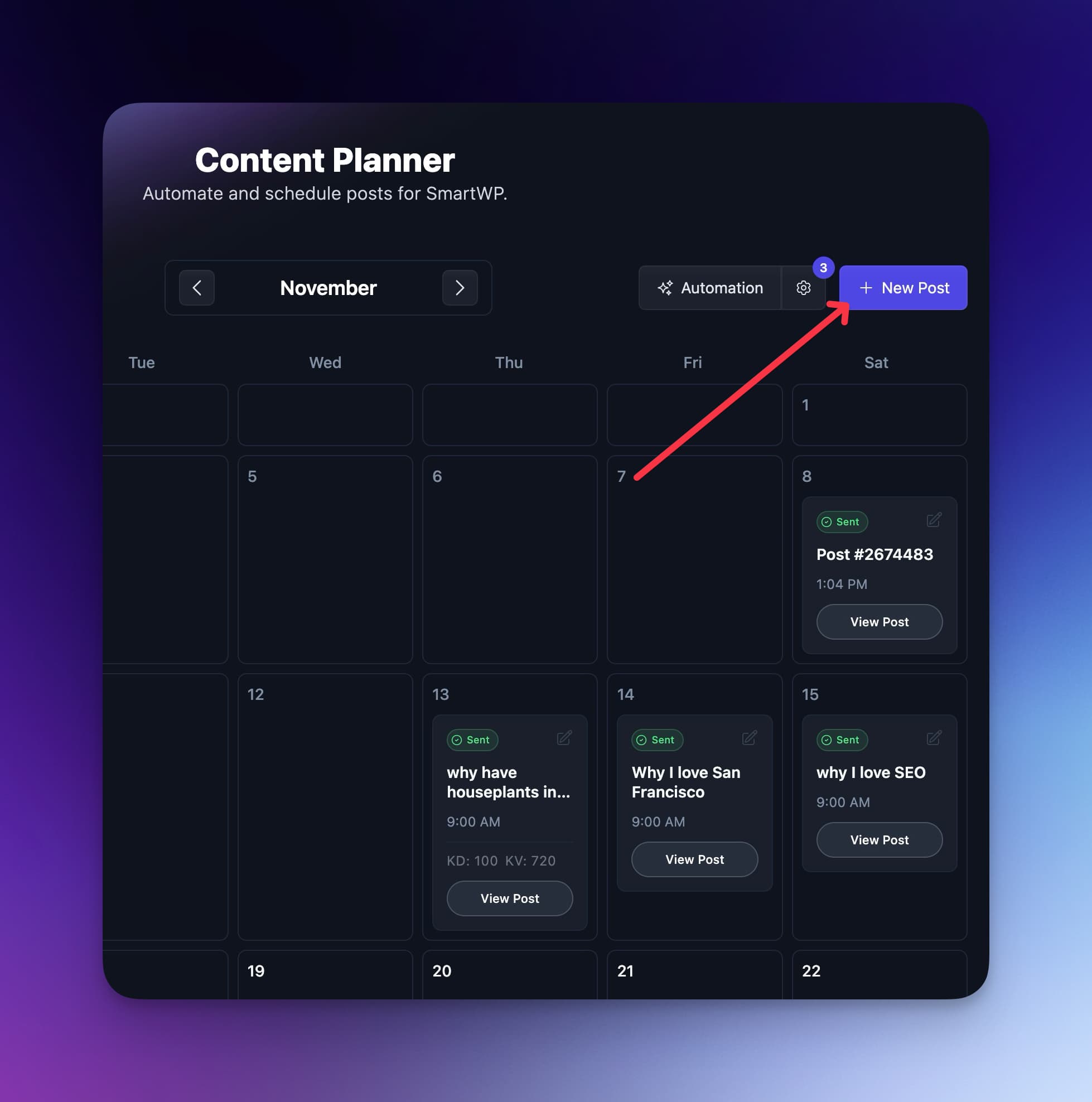
Here is how a simple week looks when I am in full autoblogging mode:
Day 1: Generate Drafts (AI-heavy). I feed my tool 5 to 15 titles and target keywords from the content plan. I use one tight prompt template that covers:
- Target reader
- Goal of the piece
- Rough outline structure
- Tone of voice
By the end of the day, I have a batch of AI drafts waiting for me, ready to review.
Day 2: Human Editing (me-heavy). This is where the magic happens:
- Cut fluff and fix weak intros.
- Insert my own tips, stories, and product picks.
- Check for accuracy and update anything off.
This usually takes 15 to 25 minutes per article once I get in a groove.
Day 3: Final Polish And Scheduling. Here’s my last day of the cycle:
- Add internal and external links.
- Drop in images, tables of contents, and CTAs.
- Schedule all posts in the CMS for the next week.
After three focused days, I have 5 to 15 posts queued for the week ahead. Repeat that four times and you’re at 20 to 60 posts per month without a ton of manual writing work, (or all the panic).
If you want inspiration for other tools that plug into this kind of flow, the Affpilot AI autoblogging review walks through another type of setup that’s geared toward affiliate marketers using autoblogging.
Step 5: Add Internal Links and Simple On-Page SEO
AI is great at volume, but SEO still needs clear signals.
On each AI autoblogging post I generate, I make sure I cover the basics:
- One primary keyword in the title and first 100 words.
- Short, clear meta description that matches search intent.
- Heading structure that matches the way a human skims.
Then I handle internal links. They are boring to do by hand, but they are one of the easiest ways to boost rankings and keep readers on site.
I like to brush up on this internal linking SEO guide once in a while as a reminder of what matters most, especially when I am publishing in bulk.
My simple rule of thumb for niche sites:
- Link down to more detailed posts from broader guides.
- Link up from small FAQ posts to pillar articles.
- Link sideways between related reviews or comparisons.
You can also use tools that add internal links automatically while you write, which saves a lot of time at scale.
Step 6: Track, Tweak, and Improve Quality Over Time
AI autoblogging isn’t an immediate “set it and forget it” strategy for niche sites. It’s more like running a content engine that you tune and tweak as you go.
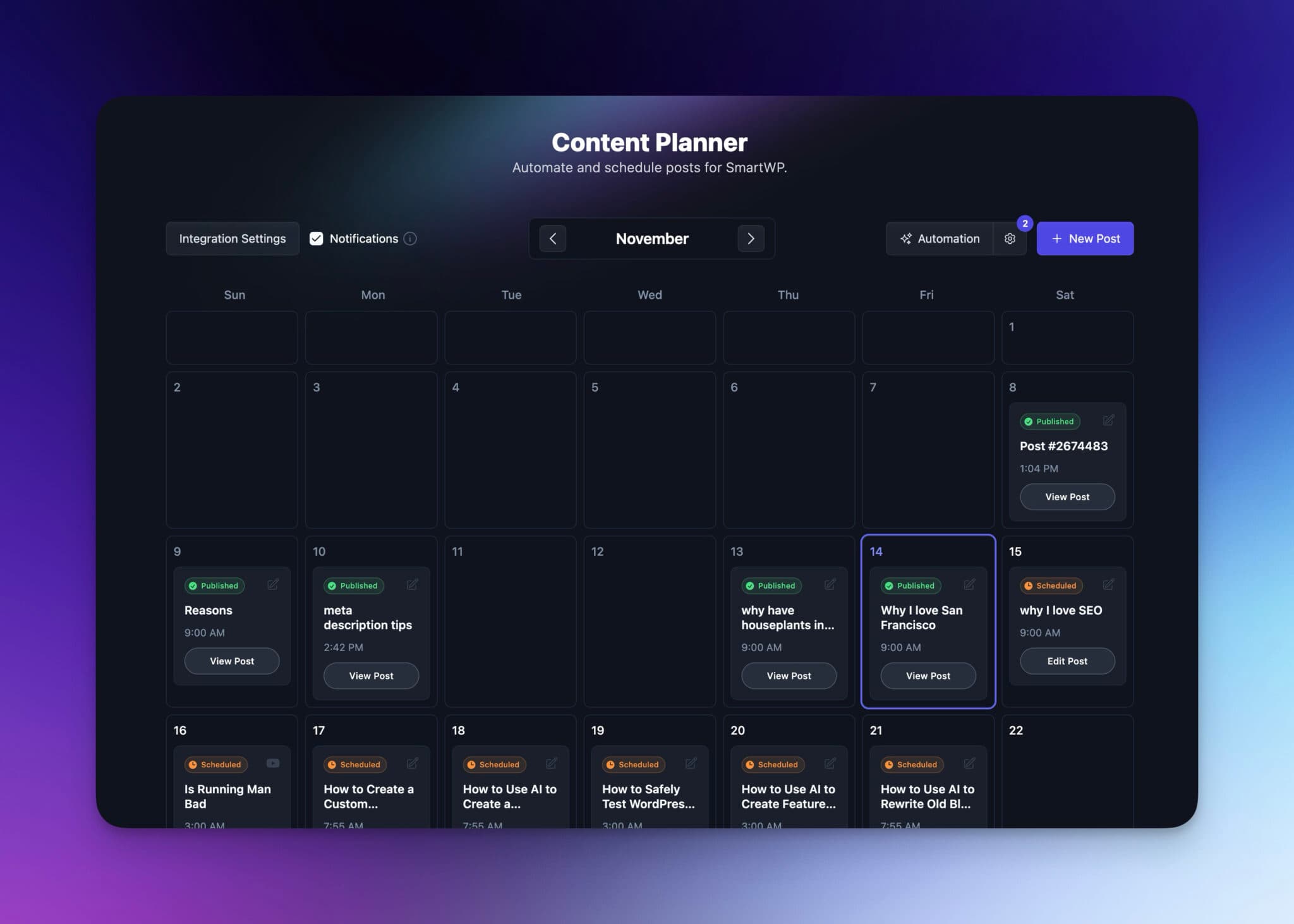
Every 2 to 4 weeks, I review:
- Which posts get clicks and time on page.
- Which topics bring in search traffic fastest.
- Which articles have weak metrics and need an upgrade.
Then I tweak:
- Prompts, to guide AI toward what is working.
- Word count, if short posts are not ranking.
- Angle, if searchers want comparisons instead of pure info.
Sometimes I will spot a tool that fits better for a new site. Resources that compare different autoblogging style platforms or roundups of AI auto blogging options can help if you feel your current stack is holding you back.
The key is to treat autoblogging as a system, not a stunt.
When you refine prompts, workflows, and link structures over a few months, your “AI posts” start to feel less like AI and more like a very fast content assistant that knows your niche well.
Bringing Your AI Autoblogging for Niche Sites Workflow Together
AI autoblogging for niche sites is decidedly not about spamming the Internet with junk AI slop content. It’s about using smart tools to take the busywork out of publishing so you can focus on the parts only you can do.
To recap the autoblogging system I use to hit 50 posts per month on my niche sites:
- Pick a tight niche and one simple format.
- Plan 50 topics in advance so your queue is never empty.
- Set up an AI stack that writes and schedules for you.
- Batch your work into weekly cycles of drafting, editing, and queuing.
- Use a clear internal linking and SEO checklist on every post.
- Review performance and keep improving prompts and topics.
If you put this autoblogging process practice, in a few months you’ll have a deep, focused niche site that publishes like a small media company, without needing a full-time editorial team.
Try my system, track your next 90 days of content, and see how far consistent AI autoblogging can take your traffic and revenue. Hit me in the comments below with your results!
Complete Blog Automation in Minutes
Join 48,879+ marketing agencies, pro creators, and marketing teams in using RightBlogger’s powerful blog automation system. You’ll drive more traffic from Google and ChatGPT with our AEO & SEO automated publishing. Plus, you’ll access our library of 80+ standalone tools, online courses, a private community, and more.

Article by
RightBlogger Co-Founder, Ryan Robinson teaches 500,000 monthly readers to grow online businesses. He is a recovering side project addict.
![How to Automate Blog Posts in 2026 [Step-by-Step Guide]](/_next/image?url=https%3A%2F%2Fcms.rightblogger.com%2Fwp-content%2Fuploads%2F2025%2F12%2Fautomate-blog.jpg&w=1200&q=75)



Automated SEO Blog Posts That Work
Try RightBlogger for free, we know you'll love it.





Leave a comment
You must be logged in to comment.
Loading comments...