8 Best AI Social Media Tools to Speed Up & Automate Content Promotion
Turn blog posts and videos into platform-ready posts, captions, clips, visuals, and schedules.


Creating content that brings you joy is one part of the journey, but promoting it across all the social media channels where your audience spends their time? I don’t know about you, but that one feels like a full-time job. Enter: Our favorite AI social media tools that’ll help you speed up & automate your content promotion.
If you’re juggling posts on LinkedIn, Instagram, Twitter (X), TikTok, YouTube, your blog, and more… you know how overwhelming this can quickly get. Luckily, one of the best use cases for AI is in repurposing content today.
We’ve rounded up a collection of all the best AI social media tools you can use today, to help you stay focused, save time, and prioritize what you enjoy most, creating!

Now, here are my picks for the best AI social media tools that’ve changed how I promote (and automate) my content today. (Also check out our 32 ChatGPT prompts for social media marketing for ready-to-use templates.)
Speaking of which, I used my favorite AI social media tool, RightBlogger’s Video to Blog Post Generator to turn this video (above) into the SEO-optimized blog post you see below, in about 30 minutes. This creates an entirely new organic traffic opportunity from search engines like Google, whenever people search for AI social media tools.
Take this tool (and 80+ more) for a spin with a free RightBlogger account today.
Complete Blog Automation in Minutes
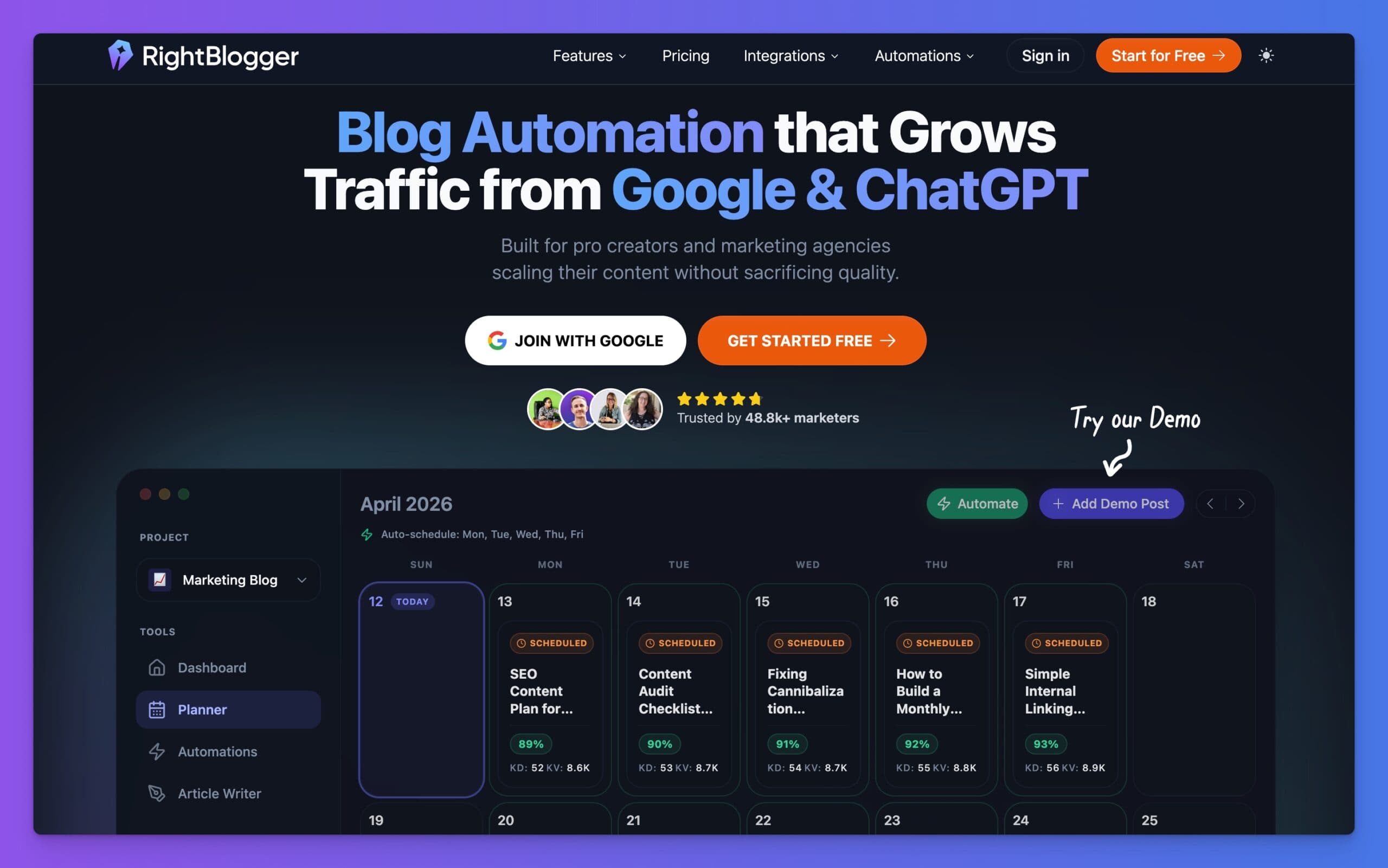
Join 48,879+ marketing agencies, pro creators, and marketing teams in using RightBlogger’s powerful blog automation system. You’ll drive more traffic from Google and ChatGPT with our AEO & SEO automated publishing. Plus, you’ll access our library of 80+ standalone tools, online courses, a private community, and more.
8 Best AI Social Media Tools to Speed Up & Automate Content Promotion
Let’s be real, coming up with fresh ideas for social media posts is not always easy. Then there’s the process of writing captions, repurposing old content, and staying consistent.
If you’re just starting out, it’s best to focus on one or two platforms and grow from there. But AI tools can make life simpler by doing the heavy lifting for you.
1. LinkedIn Post Generator

Do you struggle with writing the perfect LinkedIn post to promote your blog or project? RightBlogger has a LinkedIn Post Generator that can save you tons of time. Here’s how it works: paste a blog post URL into the tool, and it’ll generate a complete LinkedIn post based on your content. You’ll walk away with a polished post ready to share.
Curious about other tools helping marketers like you? Check out 10 Best AI Marketing Tools to get insights into tools for social, email, and more.
2. Email Newsletter Writer

Newsletters don’t have to be long-winded or overwhelming. A focused, snappy email can often have a better impact. RightBlogger’s Newsletter Generator helps you get going in no time. Whether you’re highlighting a blog post or sharing weekly tips, the tool creates a first draft for you to refine. It’s perfect for connecting with your audience without spending hours drafting emails.
Want more tips on succeeding with content? Check out our AI Content Creation: A Complete Guide for hands-on advice.
3. Image Caption Generator (Instagram, Facebook, Alt Text & More)

Struggling with Instagram captions? The Image Caption Generator is a simple but powerful tool. All you need to do is upload an image, and the AI creates relevant captions based on the details you provide. For instance, if you’re uploading a photo of your adorable cat, enter its name, and the tool will craft clever, personalized captions.
AI isn’t just a shortcut, it’s a way to brainstorm and refine your creative ideas. And for bloggers, social media creators, and marketers, these tools can take the pressure off your daily grind.
4. Submagic (Short-form Caption AI)

Want to level up your short-form video game (TikTok, Reels, YouTube Shorts)? Submagic.co is your secret weapon. It automatically generates those killer captions that stop the scroll – emojis, highlighted keywords, the works – and it’s supposedly super accurate (99%+) in 50+ languages!
Our favorite feature is Magic Clips. This is a huge time-saver. Instead of manually chopping up long videos, Submagic’s AI finds the best bits and turns them into ready-to-post shorts. It works surprisingly well, especially if your video has clear spoken parts.
The caption customization is also great, you can pick and choose styles. Plus, you can easily add your own b-roll and clips to make those shorts truly yours. Think of it as your AI-powered short-form video editor. It is important to know how to create amazing short-form content, so take look here for extra short-form video tips.
Another great video editor is CapCut and offers the ability to AI generate captions overlays if you need a more full-featured editor.
5. Photoshop
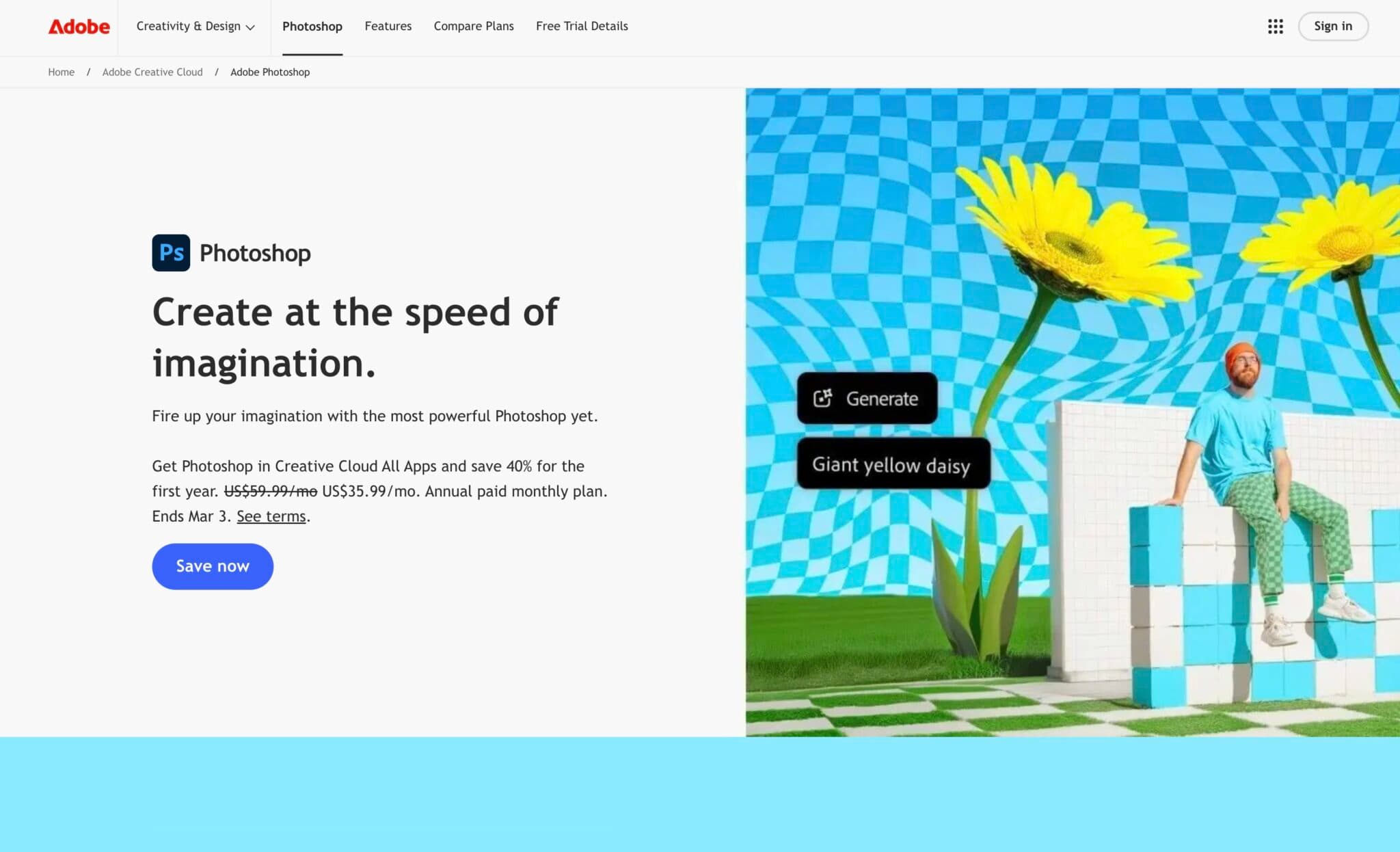
This maybe an obvious pick but Photoshop is a powerhouse for image editing, and its AI-powered generative features have made it even more valuable for social media. One of the most useful aspects is the ability to quickly reframe images for different platforms.
Need a landscape photo to fit a square Instagram post? Generative Expand lets you extend the background and adjust the composition in seconds. You can also use Generative Fill to change an image from portrait to landscape, or vice-versa. The AI adds realistic detail that blends naturally with the existing image.
This is a significant time-saver when you need to adapt the same image for various social media channels, each with its own format requirements. It eliminates awkward cropping or the need to create multiple versions from scratch.
6. Canva
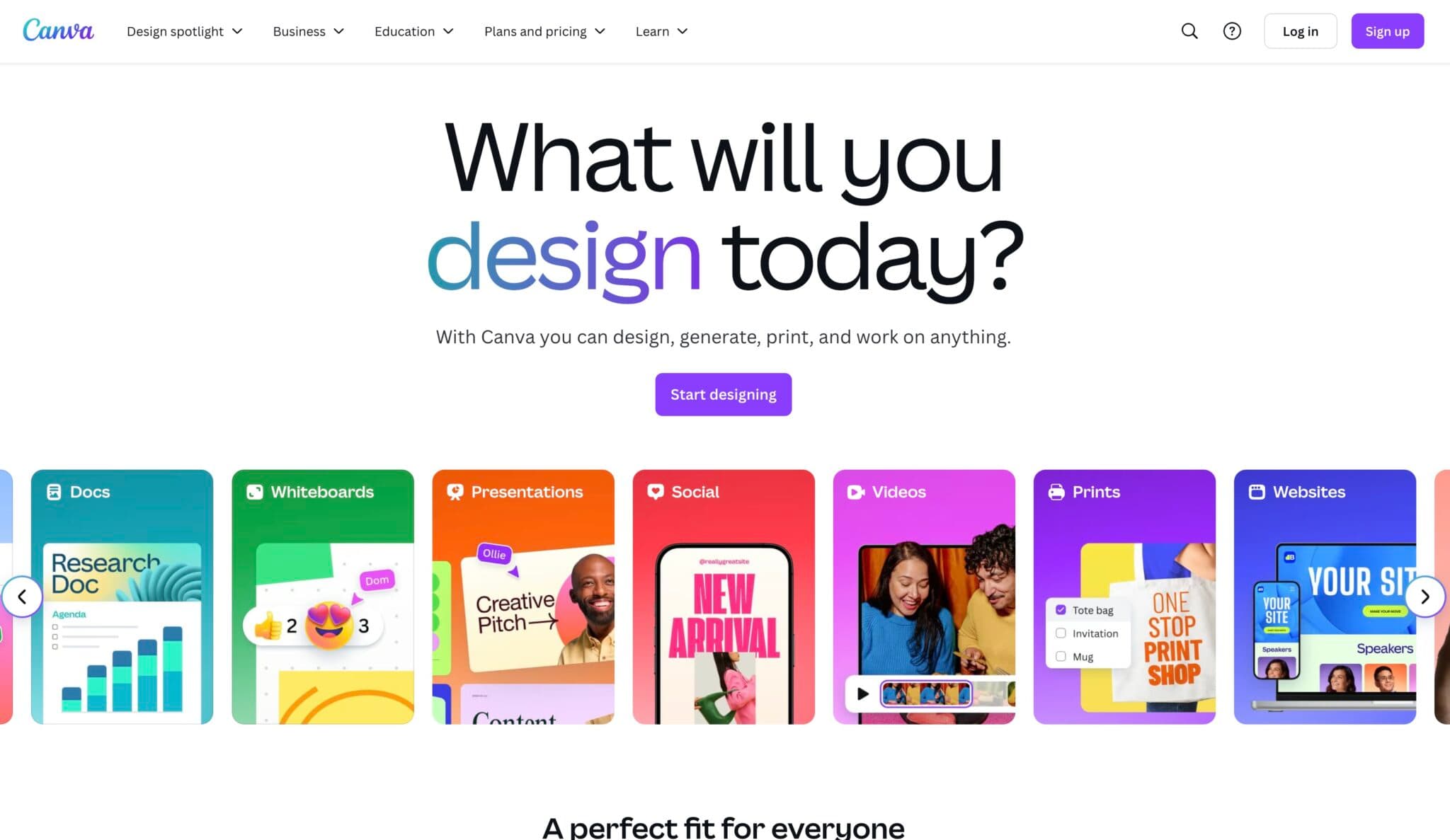
Graphics are a huge part of social media, and if you don’t already have a tool in your workflow, Canva is a great option. Seriously, this tool is a lifesaver for creating stunning visuals, even if you have zero design experience.
Think drag-and-drop simplicity, tons of templates (for every platform), and a massive library of images, fonts, and elements. From Instagram stories to YouTube thumbnails to LinkedIn banners, Canva makes it easy to create professional-looking visuals that grab attention.
Plus, they’ve integrated AI features like their Magic Write, text-to-image, and background remover, that can seriously speed up your design workflow.
7. Pallyy

We use Pallyy, and it’s become an absolute essential in our social media workflow. If you’re drowning in a sea of different platforms and struggling to stay organized, this is a fantastic all-in-one social media management platform.
Think of it as your central command center. You can schedule posts across Instagram, Facebook, X (Twitter), LinkedIn, Google Business, Pinterest, YouTube shorts, TikTok, and even Threads – all from one place. The visual planner is amazing, especially for Instagram, where you can really nail that perfect grid aesthetic. Beyond scheduling, Pallyy offers in-app integrations, a great posting calendar and a unified social inbox to keep on top of all those incoming comments and messages. This solves the massive headache of constantly switching between apps.
Pallyy also packs in powerful analytics to help you track what’s working (and what’s not) and even features AI capabilities for things like caption generation, taking the load off your posting plans. If you are a social media specialist or need social media marketing automation, this is a great social media automation tool. It’s a perfect fit for creators, brands, and agencies looking to streamline their social media strategy.
8. Video to Blog Post Generator
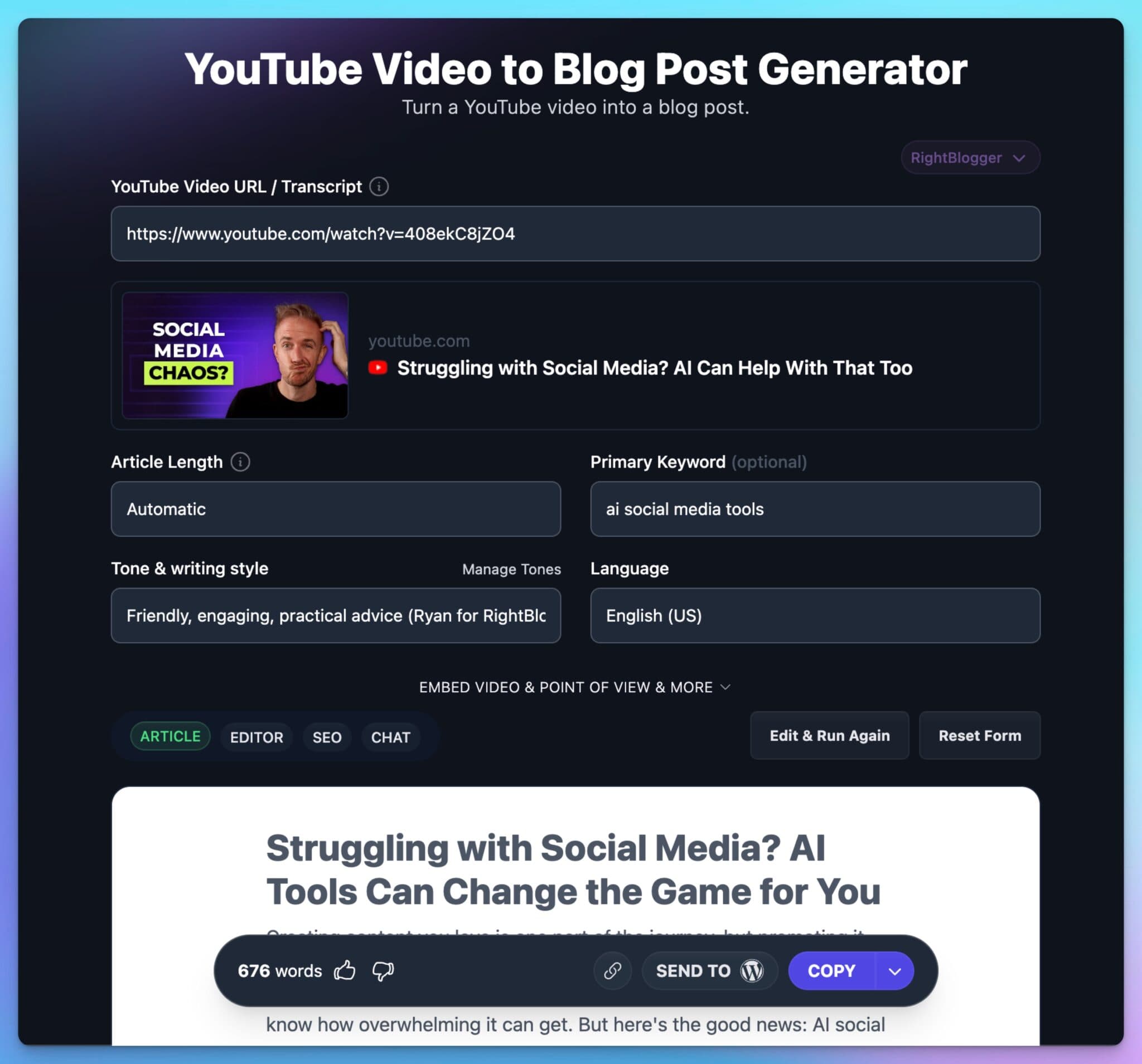
We talked about turning a video into a blog post at the very beginning, remember? Well, this is exactly how I did it. RightBlogger’s Video to Blog Post Generator is my go-to for repurposing video content. Seriously, it’s like magic (and saves me hours).
You literally just paste in your YouTube video link, and the tool gets to work. It transcribes the audio, pulls out the key points, and structures it all into a ready-to-go blog post. It even gives a good shot at formatting, headings, and even lays out the SEO optimization to focus the article on what you want.
Of course, you’ll want to tweak it, add your personal touch, and make sure it flows perfectly – but it gives you a fantastic first draft in minutes. Many people make the mistake of publishing AI content directly. With this tool you can easily get that content in front of a whole new audience (hello, Google searchers!) without the huge time commitment.
Using AI to Understand and Grow Your Audience
All these tools are fantastic for creating and scheduling content, but let’s talk strategy. To really connect with your audience, you need to understand them – what they care about, what questions they have, and what they’re actually searching for. AI can be a powerful ally in this.
- Know Your Audience (Beyond the Numbers): While AI-powered social media analytics provides valuable data (demographics, engagement rates), true understanding goes deeper. It’s about identifying the different groups within your audience and their specific needs.
- Uncover Real Questions: Ever wonder what questions your audience is actually asking Google? Tools like RightBlogger’s People Also Ask tool are gold for this. You can enter a keyword related to your niche, and it’ll show you the real questions people are searching for. This is pure inspiration for content that directly addresses your audience’s pain points.
- Foster Real Connection: It’s not just about broadcasting; it’s about building a community. AI tools can help you identify key comments and questions, personalize responses, and even suggest engaging topics. This creates an ongoing dialogue that keeps your audience coming back.
By using AI to understand your audience’s questions, needs, and preferences, you can create content that truly connects, build a loyal following, and achieve real audience growth.
Why AI Social Media Tools are Your Best Assistant (Not a Replacement)
Here’s the thing: these AI tools aren’t meant to replace you.
They’re here to help you get past that tricky “first step” by generating drafts and ideas. This way you can focus on your creativity while speeding up the process.
Authenticity is key. Readers and followers can spot fake or forced content a mile away. Use these tools to brainstorm and refine, but keep your unique voice front and center.
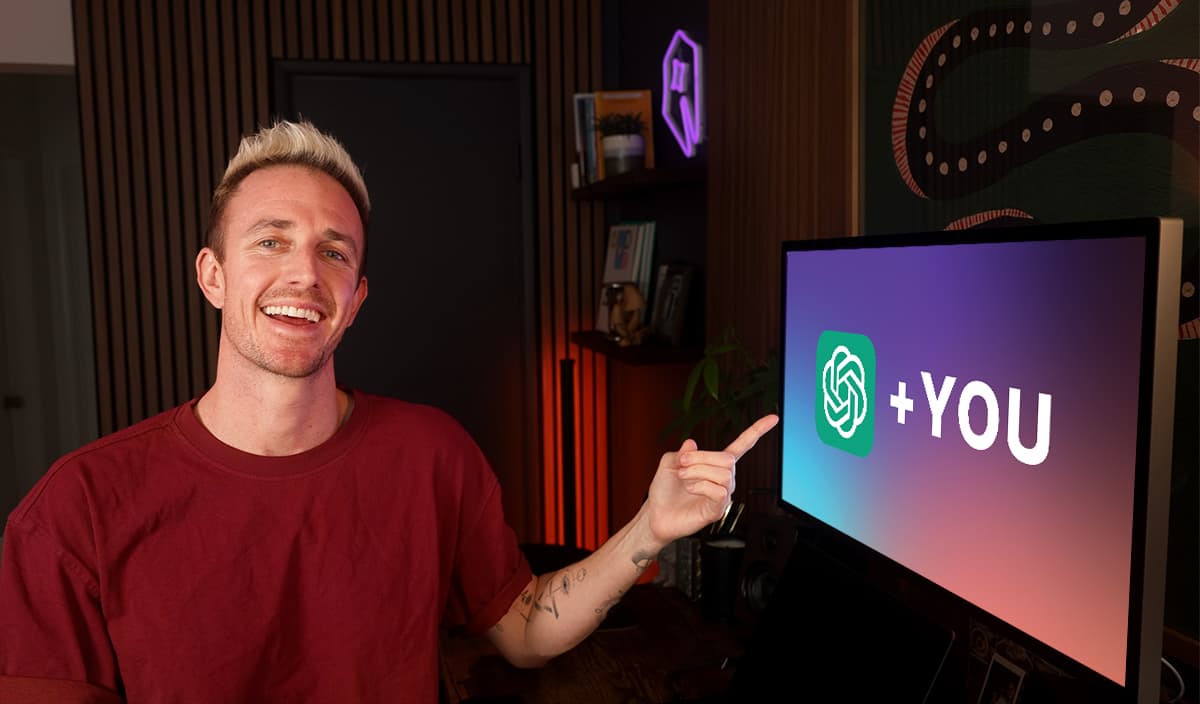
Social media can be overwhelming, but it doesn’t have to stay that way. By using AI tools strategically, you can stay ahead of your content schedule and actually enjoy engaging with your audience again. Let tools like the newsletter generator or LinkedIn post creator be your secret weapon for slashing your to-do list in half.
Interested in learning how to use AI across your content workflow? The free AI for Bloggers: How to Use AI in Your Content Creation guide breaks down every step you need to start.
Building and promoting your brand online doesn’t have to feel like an uphill climb. AI social media tools take care of the tough stuff, like brainstorming and drafting, so you can focus on the creative aspects that truly matter. Remember, authenticity always wins. Stay consistent, be genuine, and experiment with the tools that work for you.
If you’re ready to go further, the AI Foundations Course is a great free resource to build your skills and confidence in AI content creation. Implement these tips and upgrade your social media workflow. For a complete post-publishing system, see our content promotion checklist. Let’s make creating fun again!
Complete Blog Automation in Minutes
Join 48,879+ marketing agencies, pro creators, and marketing teams in using RightBlogger’s powerful blog automation system. You’ll drive more traffic from Google and ChatGPT with our AEO & SEO automated publishing. Plus, you’ll access our library of 80+ standalone tools, online courses, a private community, and more.

Article by
RightBlogger Co-Founder, Ryan Robinson teaches 500,000 monthly readers how to grow an online business. He is a recovering side project addict.


Automated SEO Blog Posts That Work
Try RightBlogger for free, we know you'll love it.





Leave a comment
You must be logged in to comment.
Loading comments...